The Discord Update
We've integrated Discord into MinionAH, released a bot, and more!
After months of hard work, we are excited to announce the release of our Discord integration! This update brings a lot of new features and improvements to MinionAH, including a Discord bot, a new login notification method, and more!
Table of Contents
Discord Integration
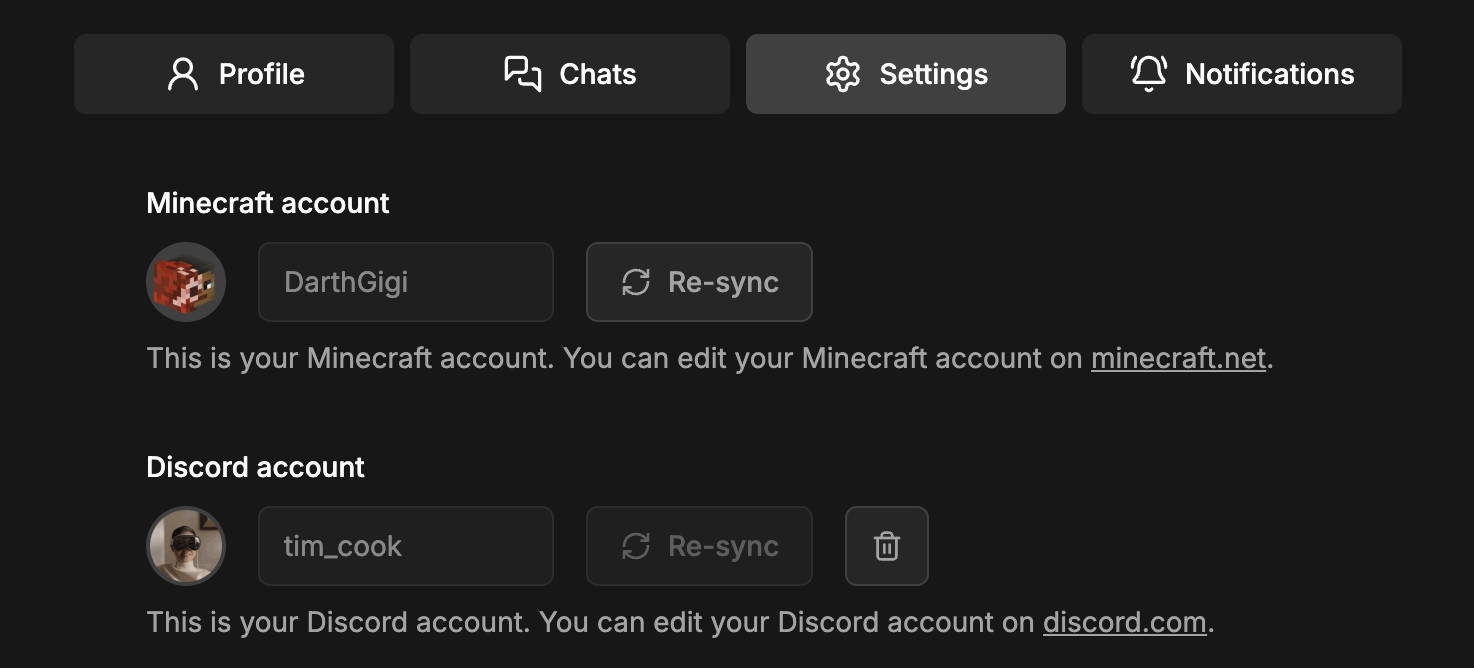
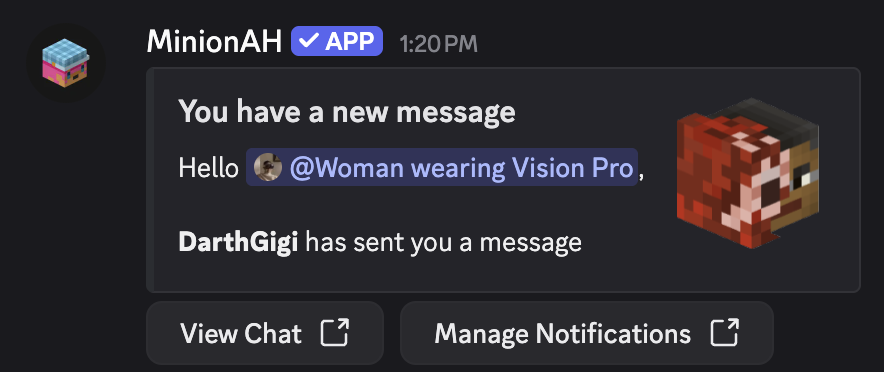
We've added a new feature that allows you to link your Discord account to your MinionAH account. This will allow you to receive notifications on Discord when you get a new message on MinionAH. You can also use our bot to manage your auctions — more on that below.
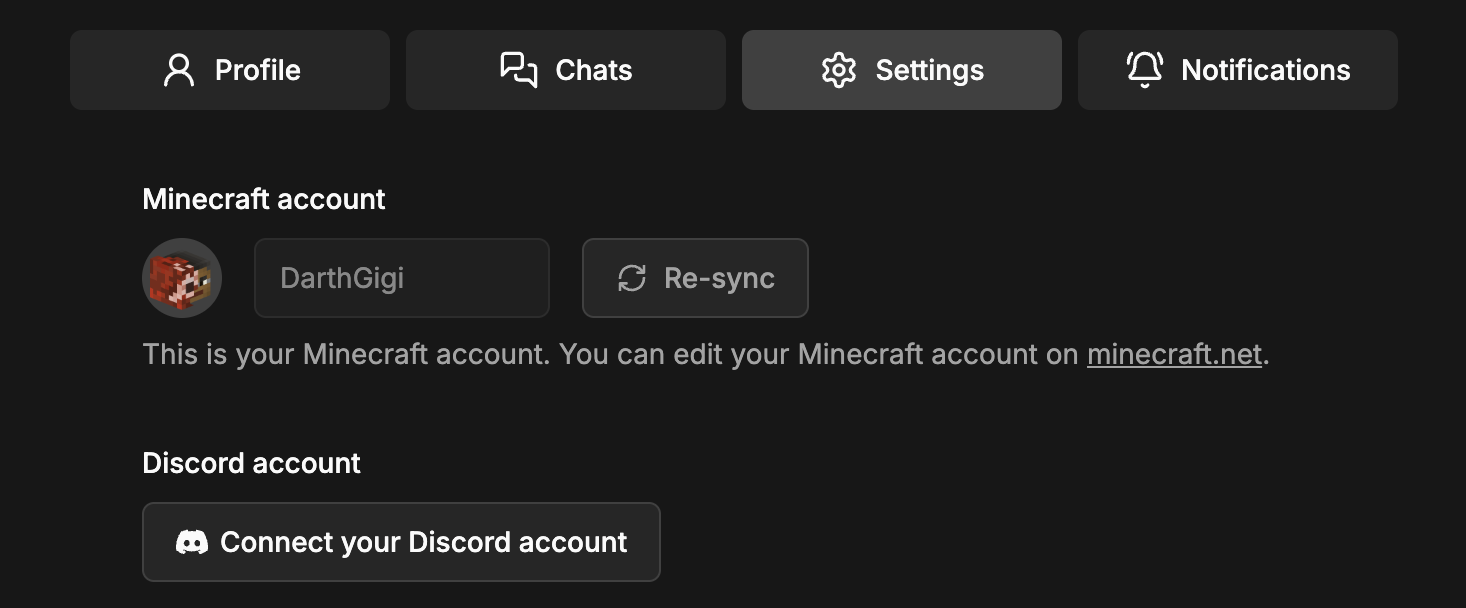
To link your Discord account, go to your profile settings, click on "Connect your Discord account", follow the instructions, and you're good to go!
If you're skeptical about this integration, Discord will show you exactly which permissions we request. If you're uncomfortable with any of them, you don't have to link your account.
Notifications
We've overhauled the notification system — the old version was a bit clunky and not very user-friendly.
We've removed the combined “Email & Device” option and also the "None" option. Instead, you can now simply check or uncheck the methods you want to use to receive notifications.
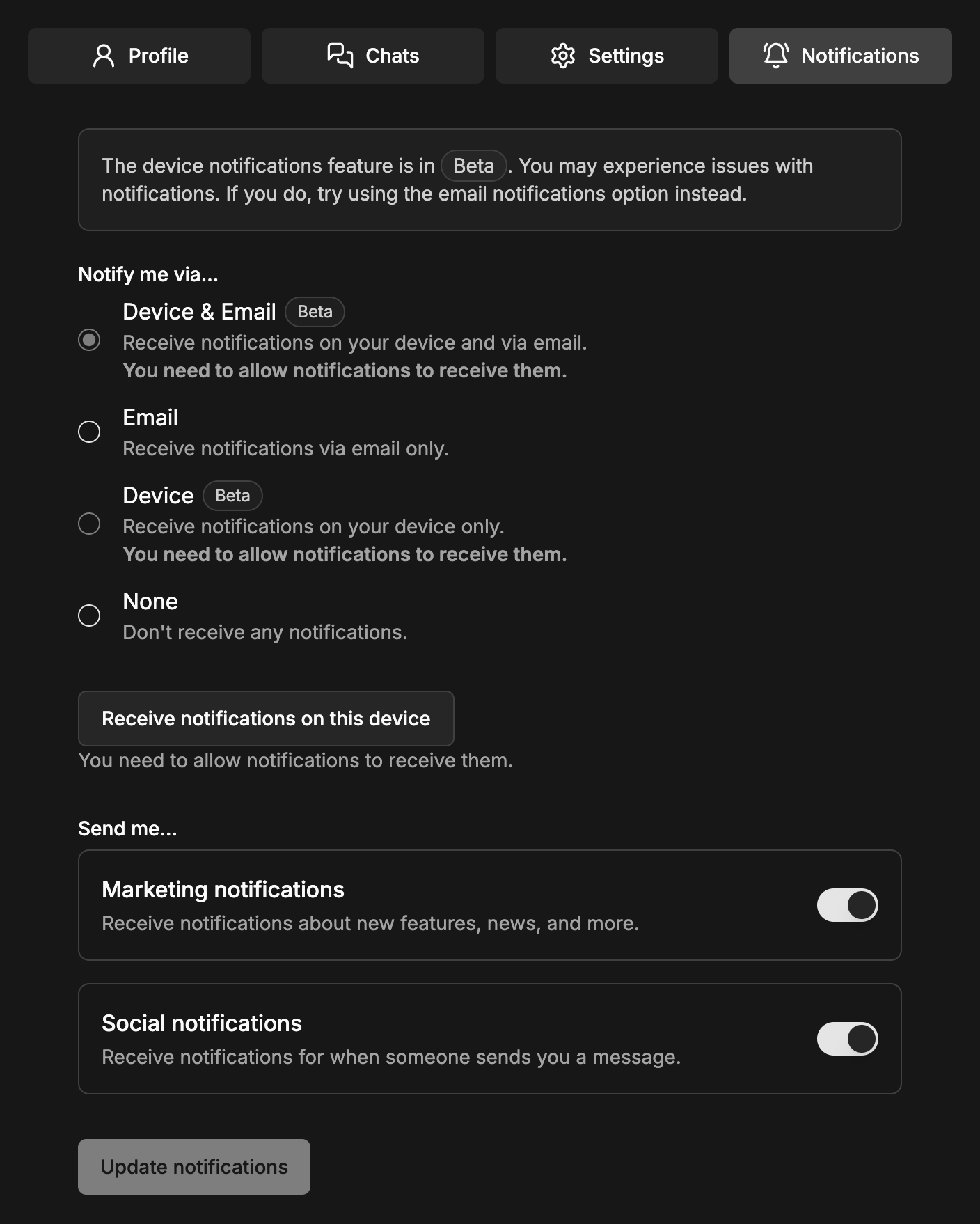
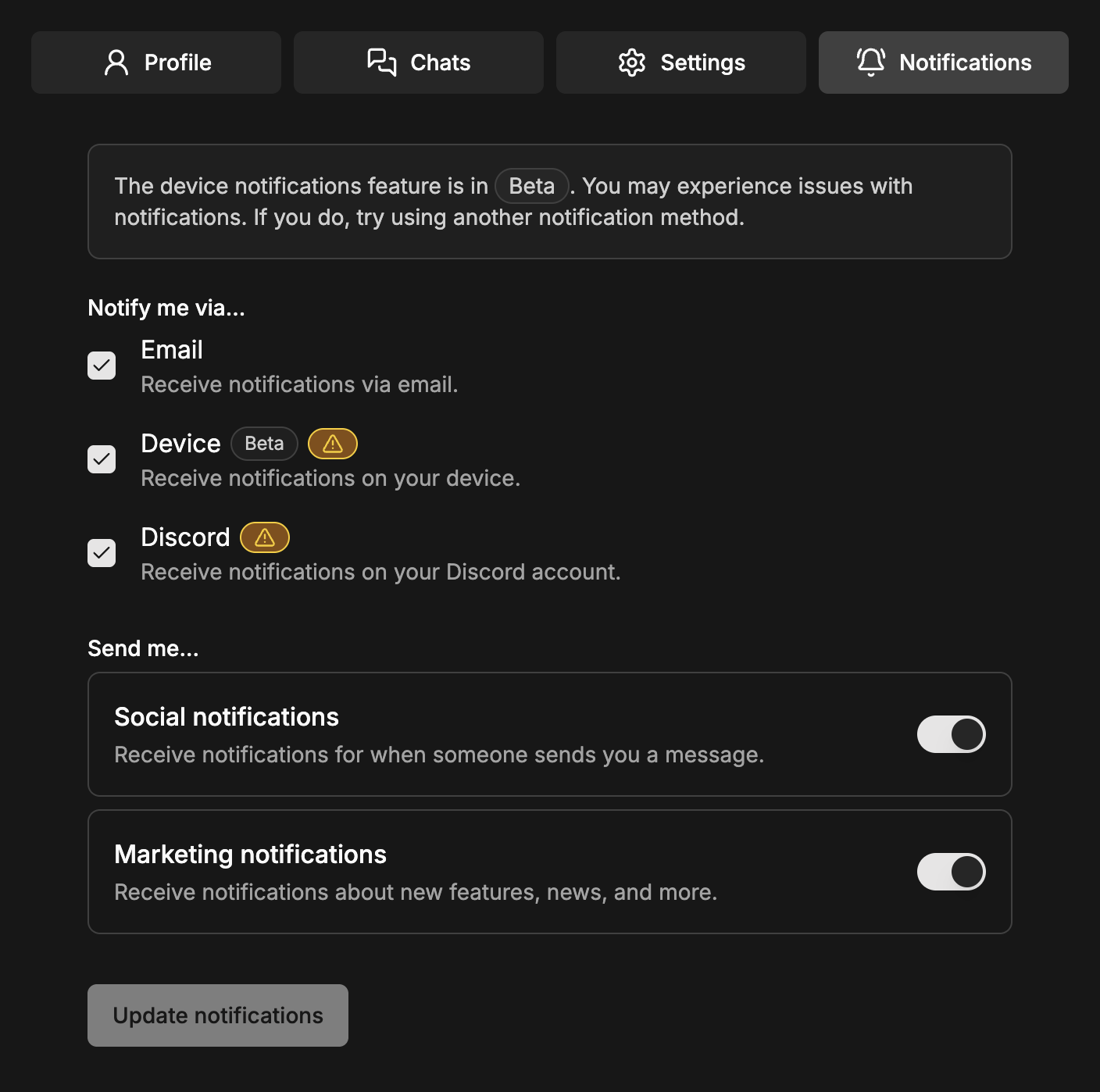
As you can see, we've also added a new option: "Discord". This allows you to receive notifications on Discord whenever you get a new message on MinionAH.
Some notification options require additional setup. You can click the warning icon (⚠️) to see what needs to be done and also test if everything is working as expected.

Discord Bot
We've also released a Discord bot that lets you manage your auctions directly from Discord.
You can use the bot to:
- Create and delete auctions
- Browse auctions directly in Discord
- Check minion prices
- Receive notifications for new MinionAH messages
- And more features are coming soon!
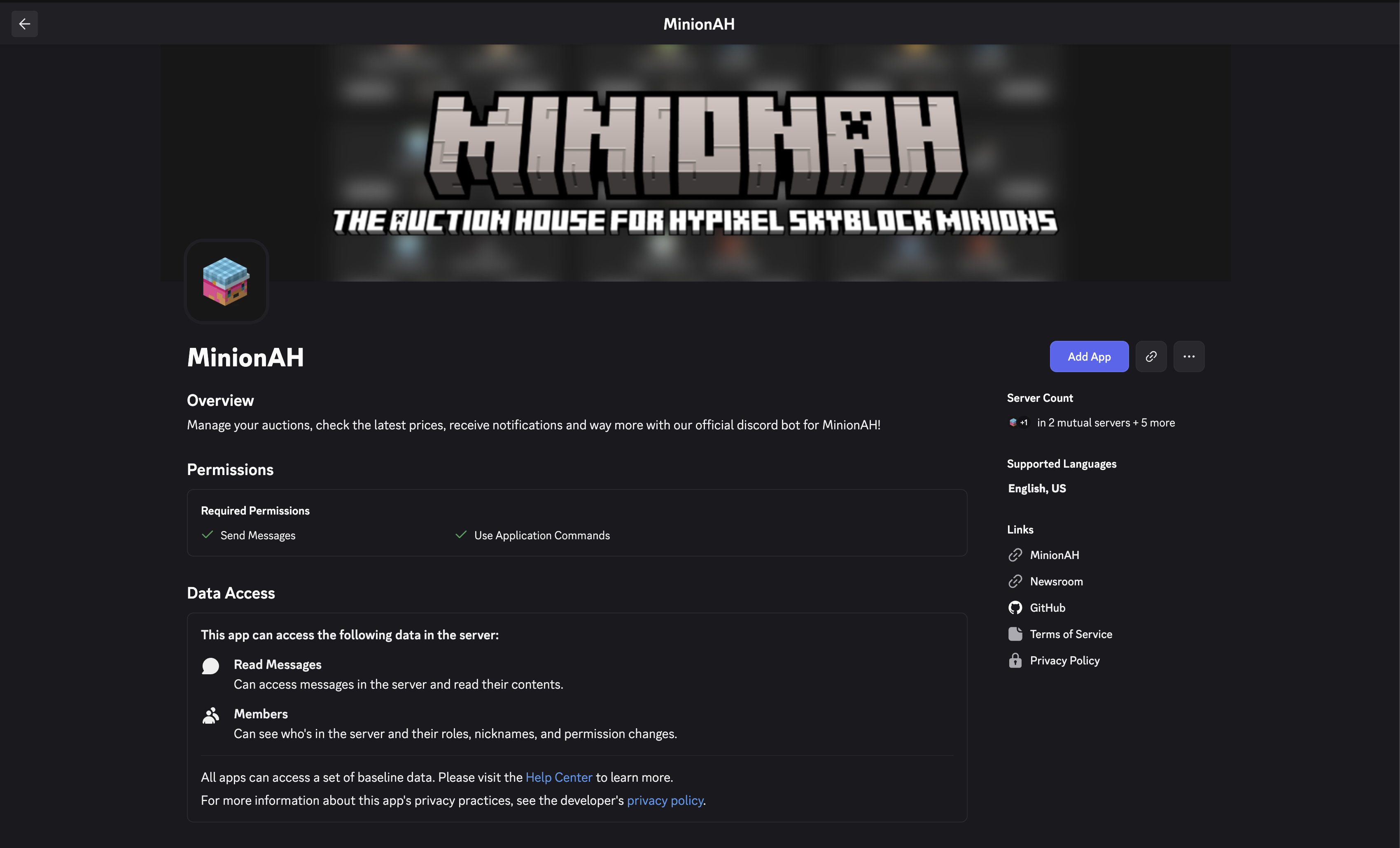
You can add the bot to your server and/or account and start using it right away.
Miscellaneous
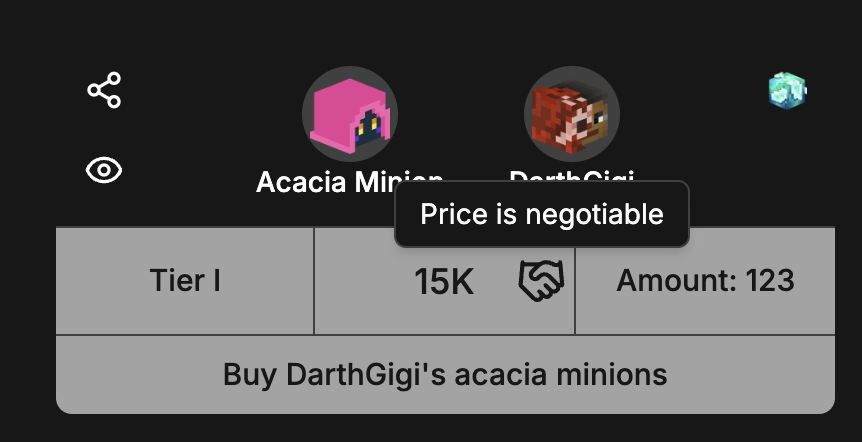
We've also made several smaller improvements and bug fixes. One of them is the new "Negotiable" option on the auction creation page.
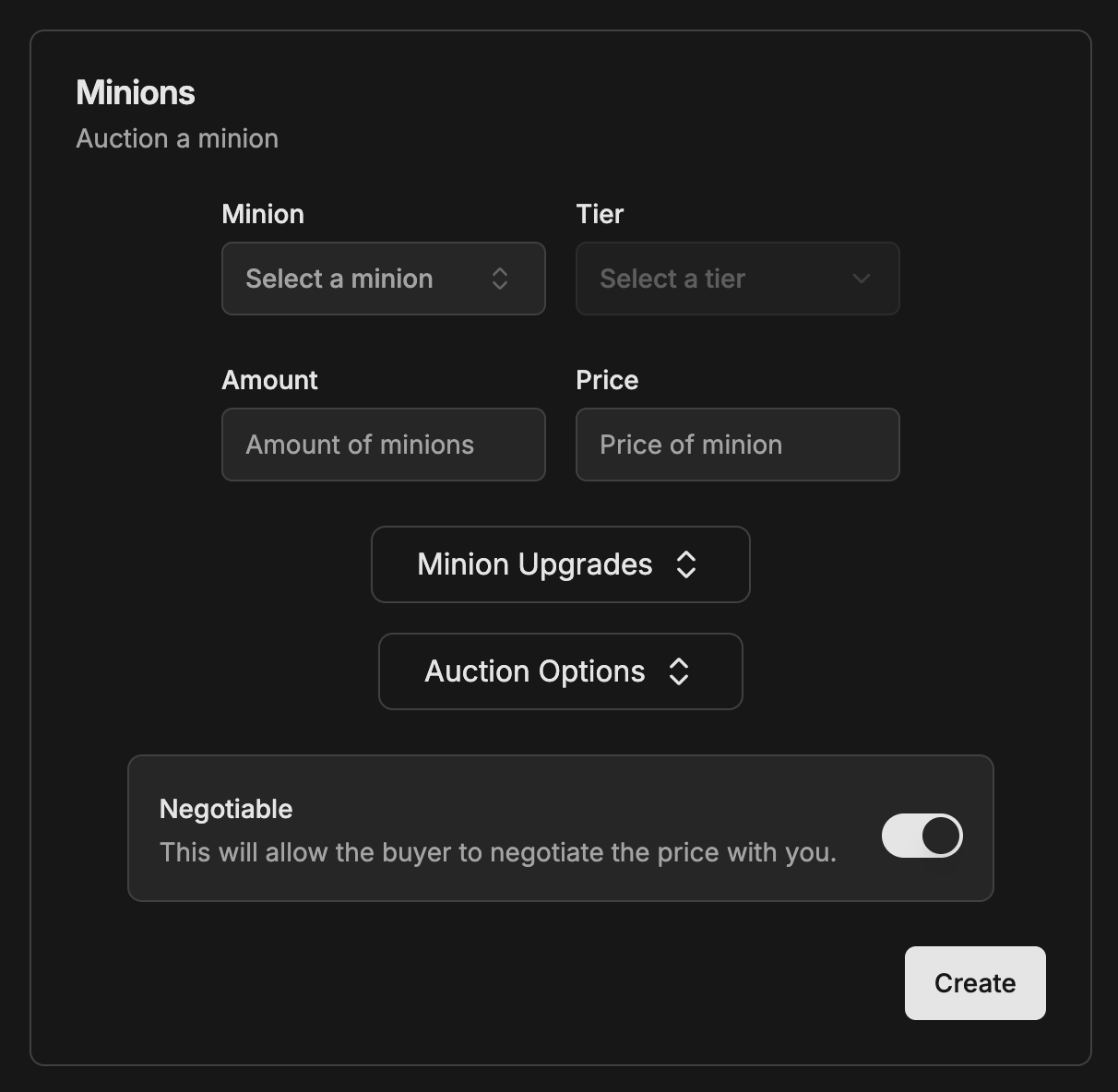
This indicates that you're open to negotiation on the price of your auction.
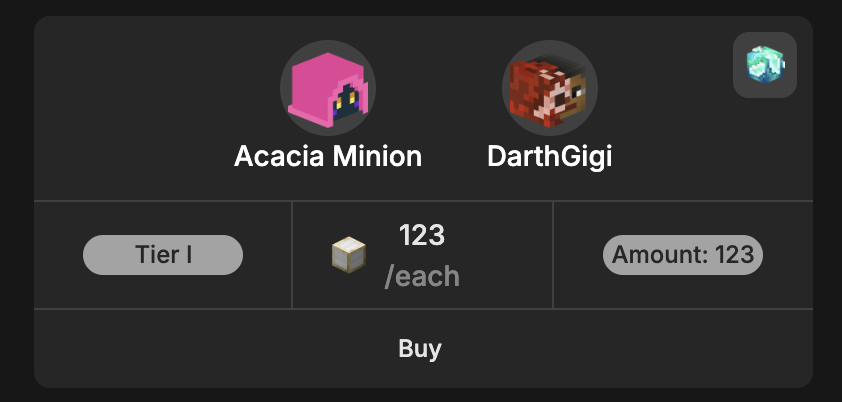
We've also replaced the Skyblock coin icon with one that better fits the rest of the site's design.

Notes
A huge thank you to Nikos (@andriotisnikos1) and Rio (@RioTheDev) for building the Discord bot!
And of course, as always, everything we make is open source. You can find the code for the bot here. Contributions are always welcome!