How to use MinionAH
MinionAH is the best place to trade your Hypixel SkyBlock minions and is built with user experience in mind, so it's easy to use.
At its core, MinionAH is designed with a focus on user experience. Using MinionAH is extremely simple, easy, and intuitive.
This guide will explain how to use MinionAH and all of its features and is for everyone, whether you're a buyer or a seller.
It will be updated as new features are added to MinionAH, so make sure to check back often.
Table of Contents
- Homepage
- Profile
- Creating auctions
- Purchasing minions
- QOL Features
- Community
- Privacy, Data and Transparency
Homepage
When you open up MinionAH, you will be greeted with all the minions that are on MinionAH.
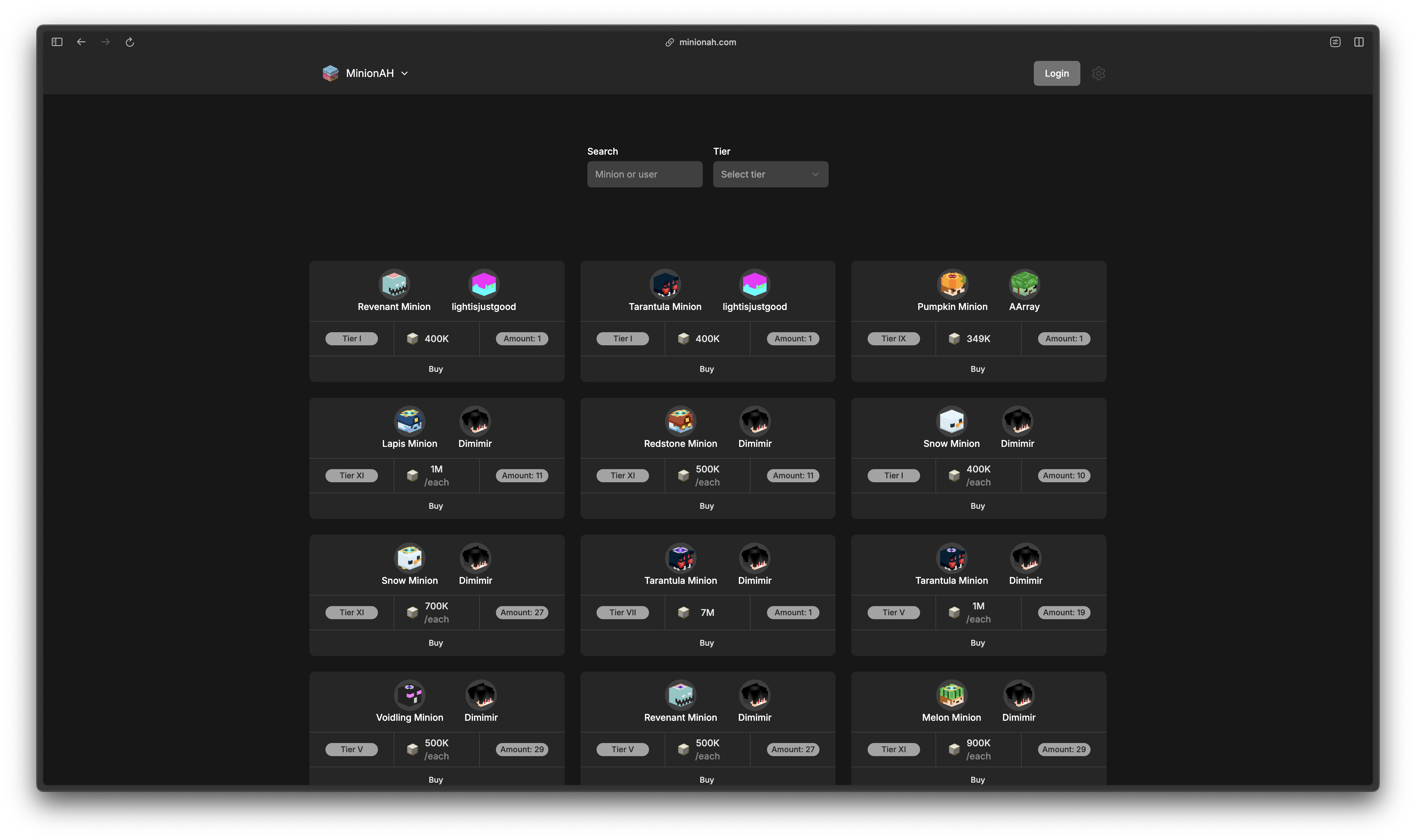
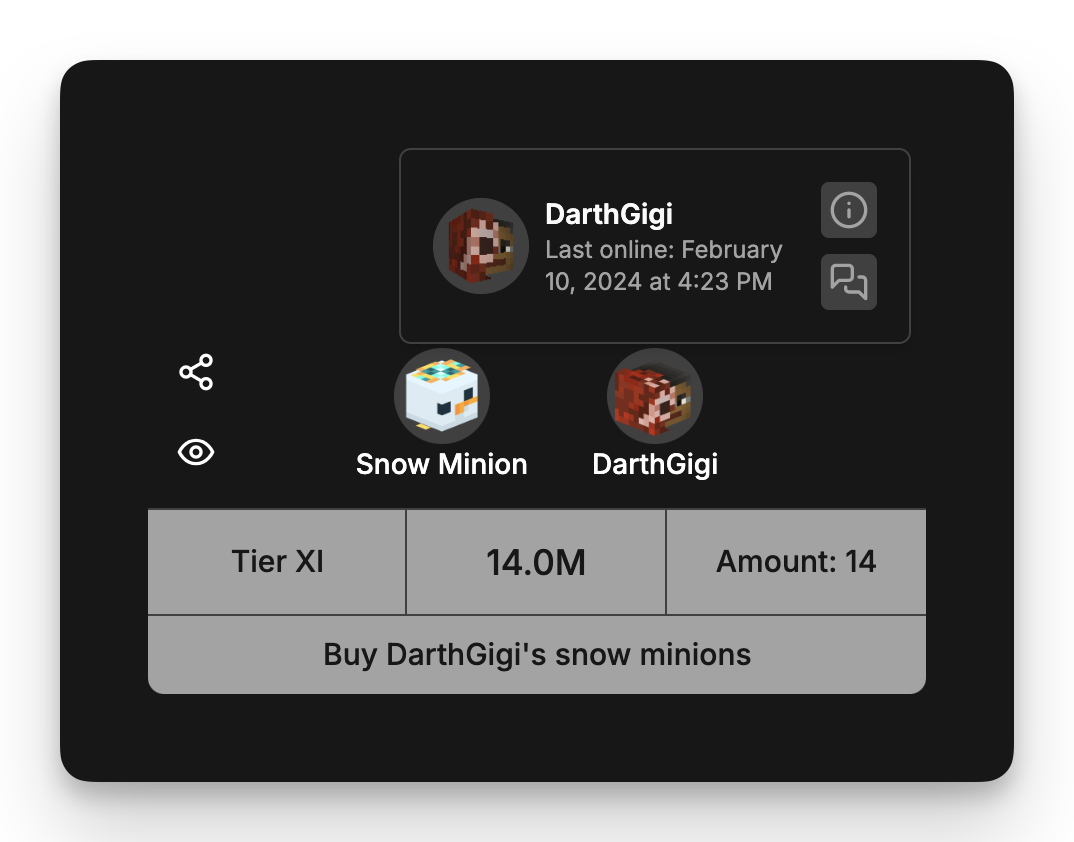
At a glance, you see all the important information about the auction: the tier, price, and amount of minions.
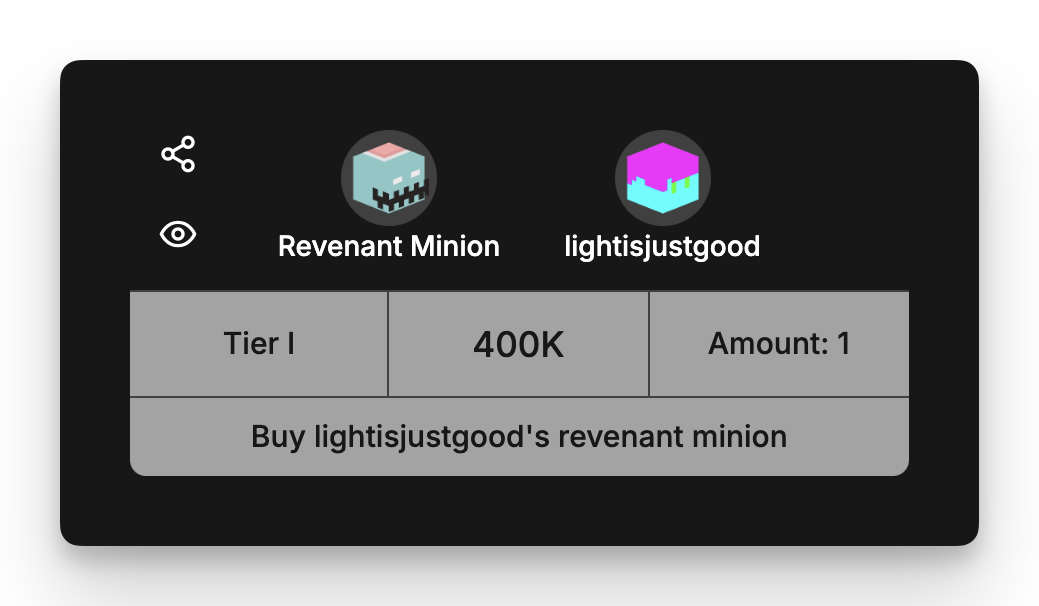
Hovering over an auction enlarges the information and calculates the total price based on the number of minions. It also reveals the share and eye icons.
Clicking the buy button will start a chat with the user who put the auction up, so you can agree on a time to trade.
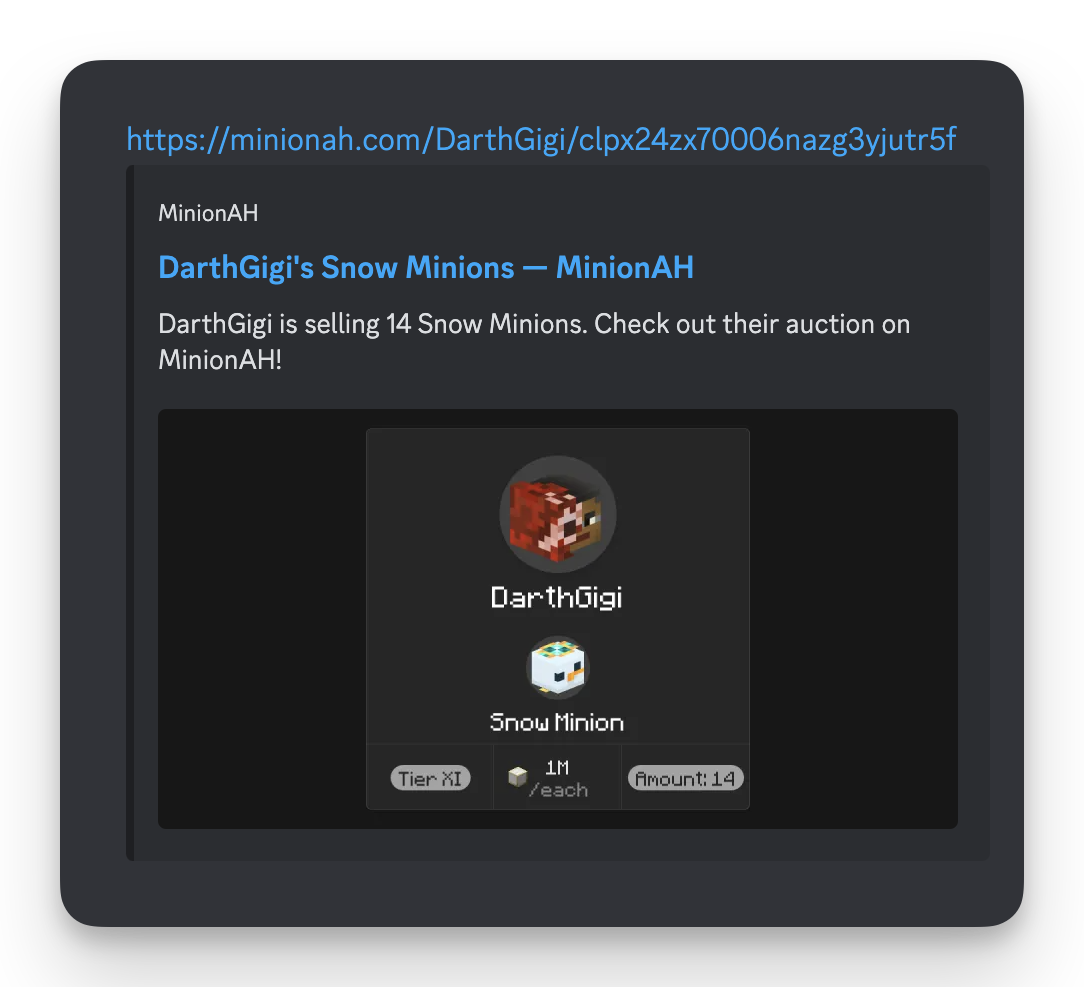
Clicking the share icon will copy the link to your auction which you can use to share with others with a beautiful embed. MinionAH will generate a unique image for your embed with all the important information on demand!
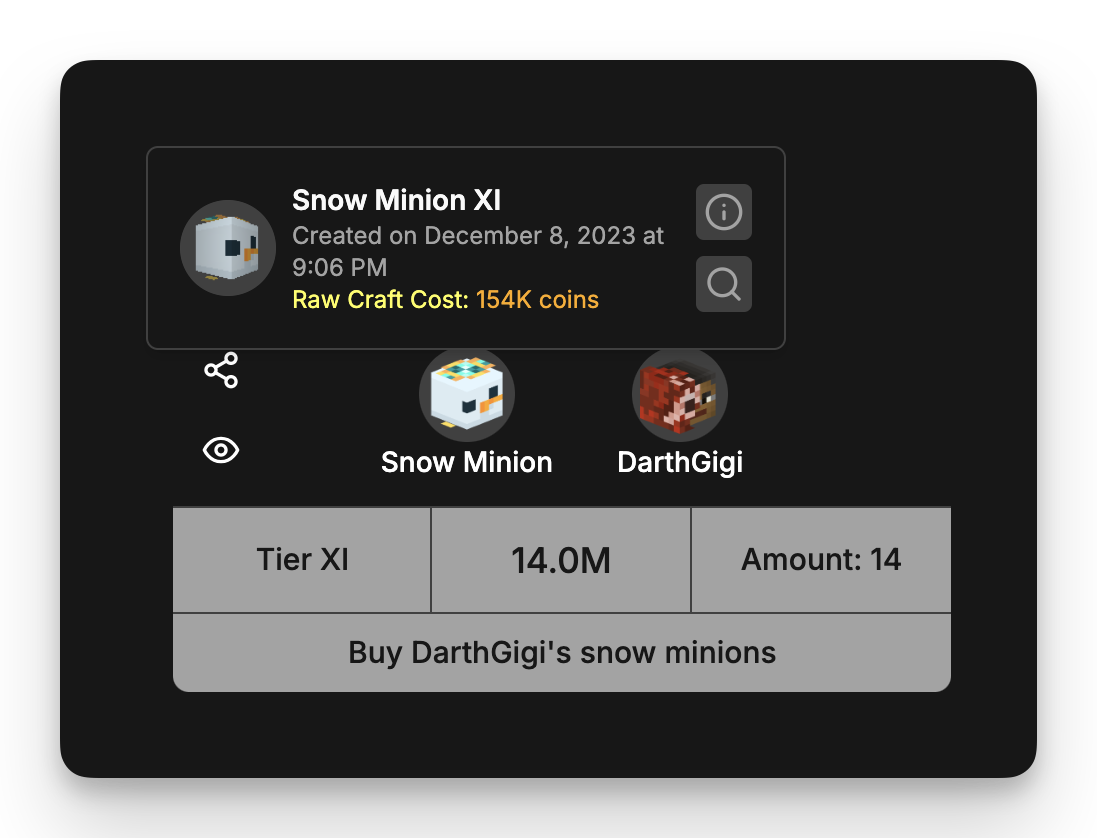
Hovering over a minion will show some useful information, the date the auction was created, and the craft cost of the minion (inspired by NEU).
Clicking the minion or the info icon will take you to the wiki page of the minion, the search icon will automatically search for the same minion type.
Hovering over a user will also show the last time the user was online. Clicking the user will take you to their MinionAH profile, where you can see all the minions that the user has on auction.
Clicking the info icon will take you to their SkyCrypt and the chat icon will start a chat between you and the user.
Profile
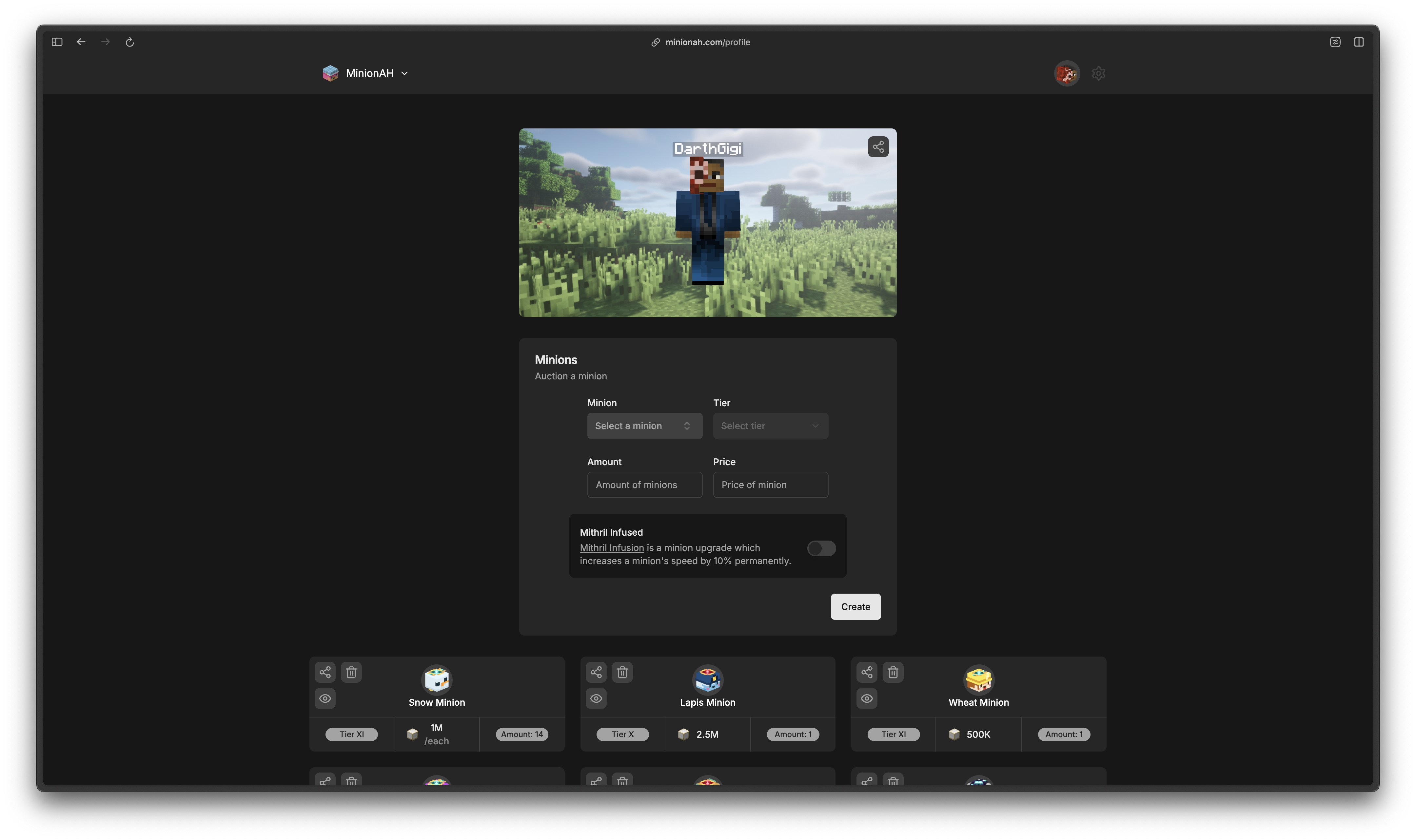
After signing in with your MinionAH account, you can access your profile where you can view all the minions you have put up for auction, create a new auction, and delete your auctions.
Creating auctions
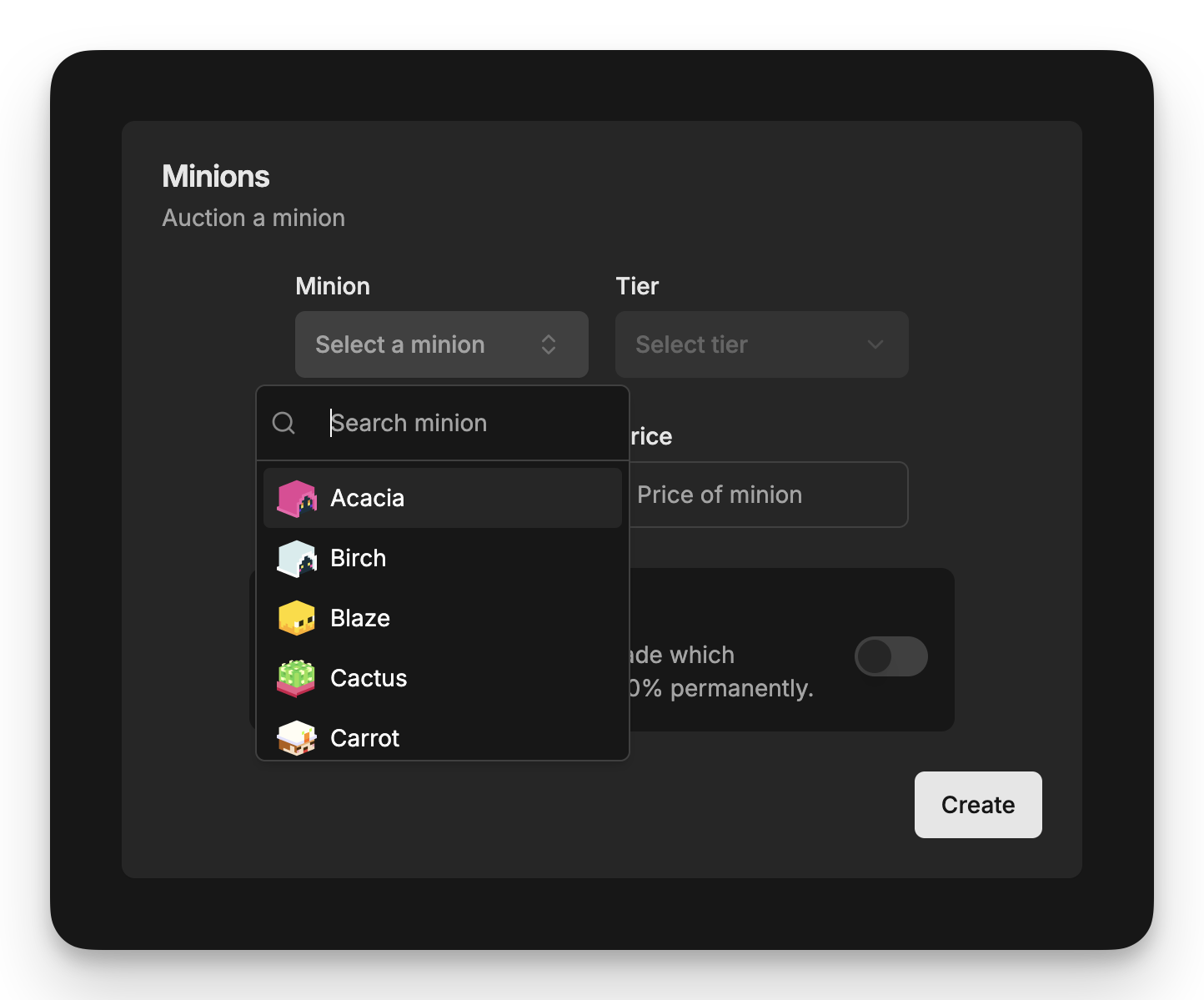
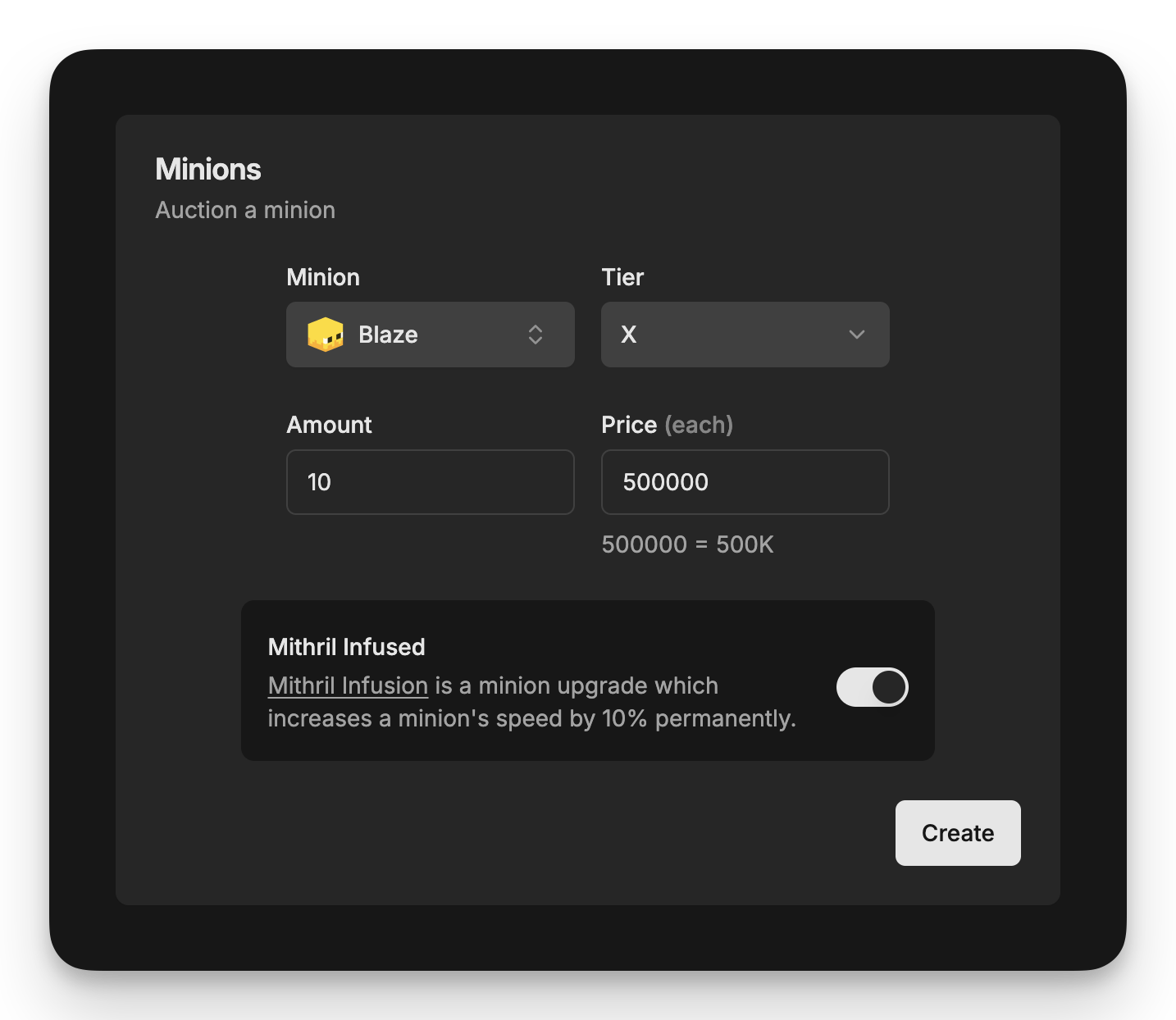
Creating a new auction is as easy as it gets. Simply select the minion from the list, then select the tier, enter the amount of minions, and lastly fill in the price of the minions.
If your minions are mithril infused, you can simply toggle the switch and your auction will display the mithril infusion icon.
Purchasing minions
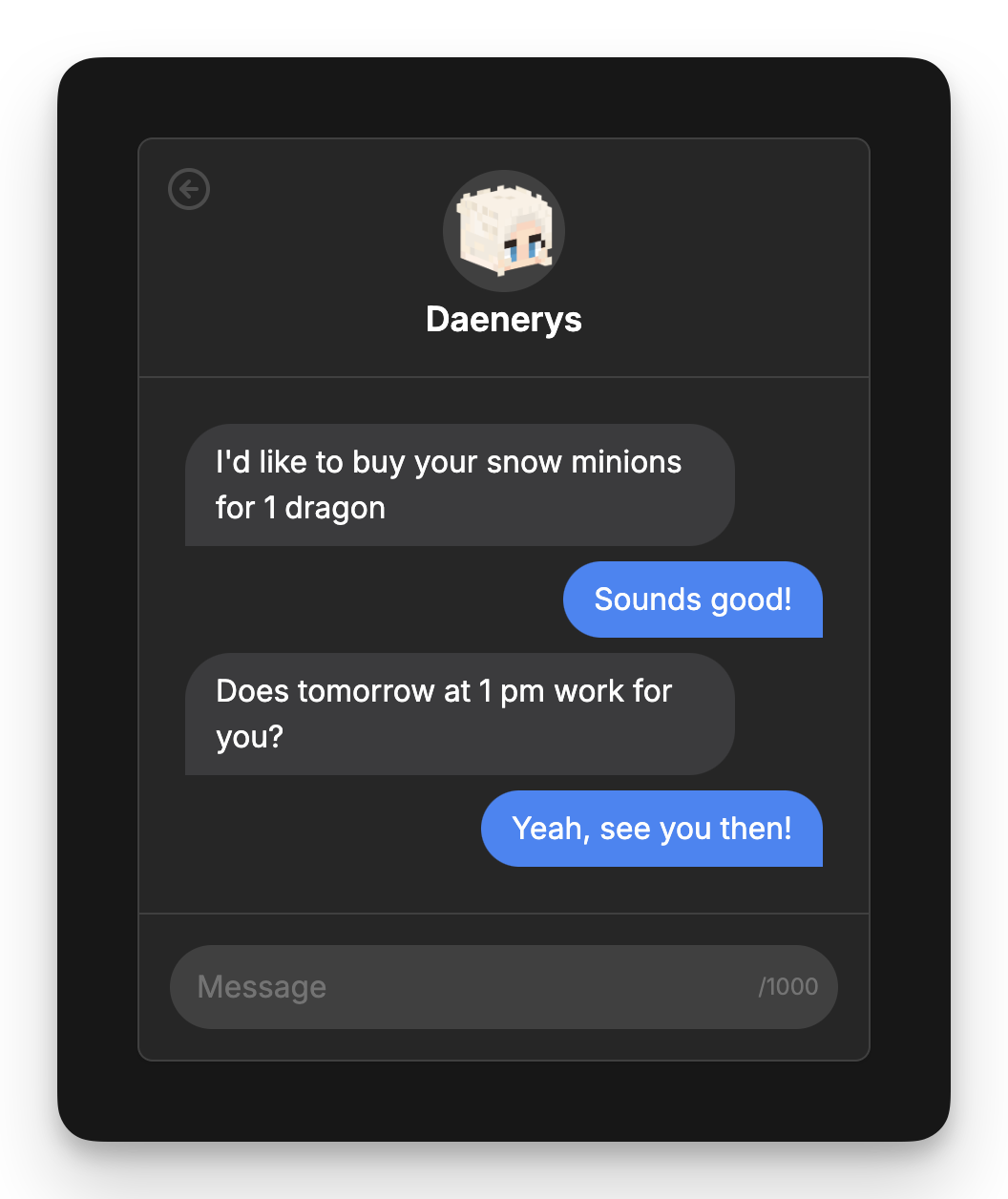
To purchase a minion, simply start a chat with the user by clicking the purchase button on the auctions:
Then, discuss the date and time you want to trade the minions.
The next time they visit MinionAH, they will see a notification that you have messaged them and if they have offline notifications enabled, they will even get notifications when they're offline (offline notifications are coming soon).
QOL Features
MinionAH has a ton of smaller, but equally important features.
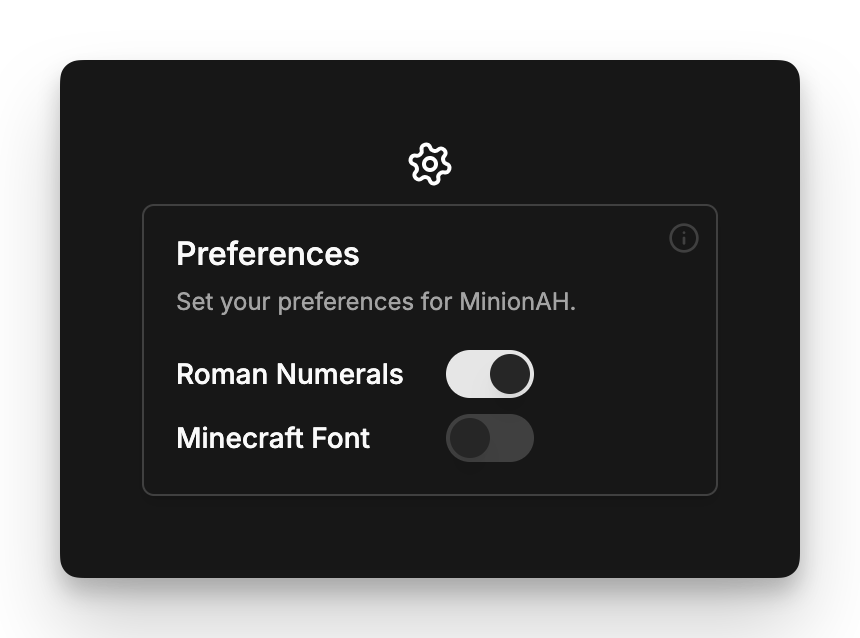
For example, you can customize your experience of MinionAH by using the Preferences feature, which allows you to change the font of the website and toggle the use of Roman numerals for minion tiers.
There are too many features to include in this guide and new features are constantly being added, so the best way to discover them is to use MinionAH yourself!
Community
We also have a community server where you can hang out with other users, share your minions, and much more! Feel free to join our Discord server.
Privacy, Data and Transparency
We at MinionAH take privacy extremely seriously, we will never make our users the product itself. This is why we collect the least amount of data, and the data we collect is fully anonymous.
For more information, read our Privacy Policy.
We are also fully transparent about how our product works, that's why MinionAH is fully open-source.
For more information, read our Terms of Service.
Experience MinionAH yourself at minionah.com
And help make the trading of minions easier for all the skyblock players!This document was last updated on