The Squashing Bugs Update
The Squashing Bugs update is a major update for the website that fixes a lot of bugs, improves performance, and adds QOL features. Read more about it here.
Table of Contents
- Design Overhaul
- Preferences
- Embeds
- Messages
- Icons
- New buttons
- Minion Popup
- User Popup
- QOL
- Security
- Notes
Design Overhaul
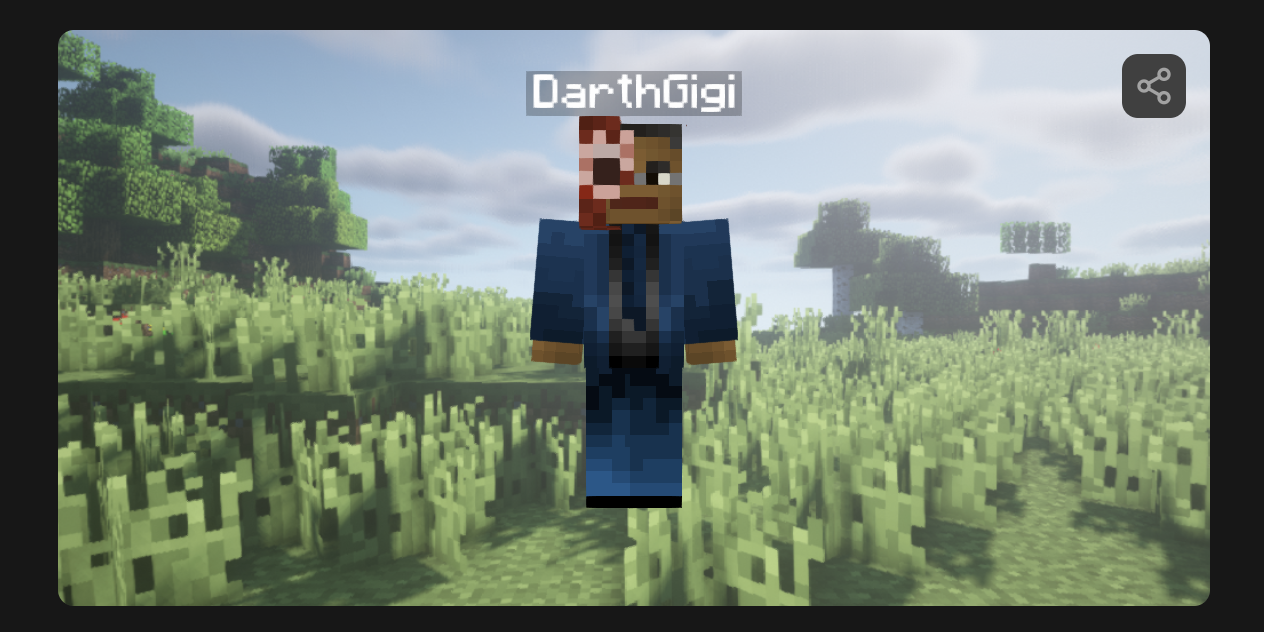
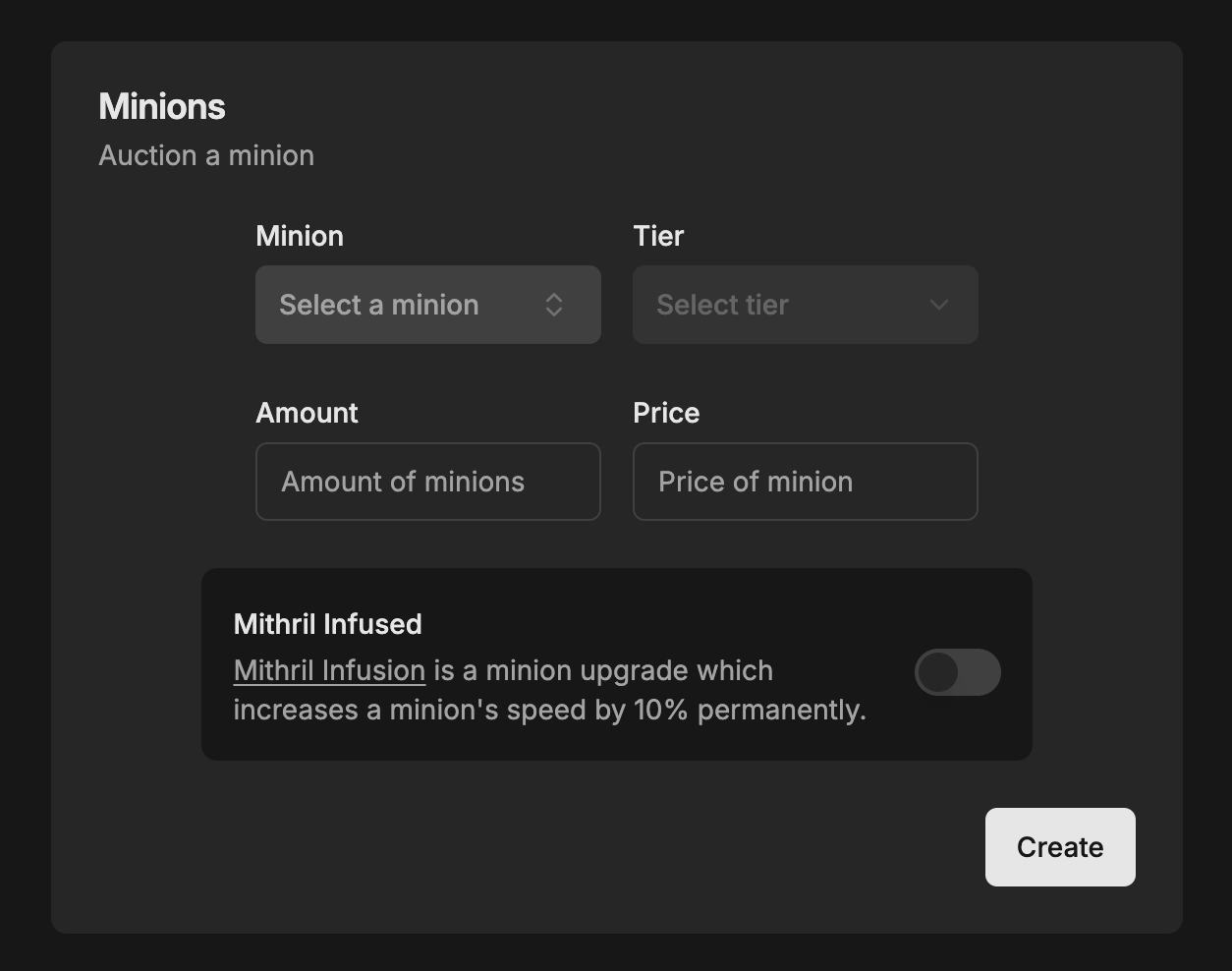
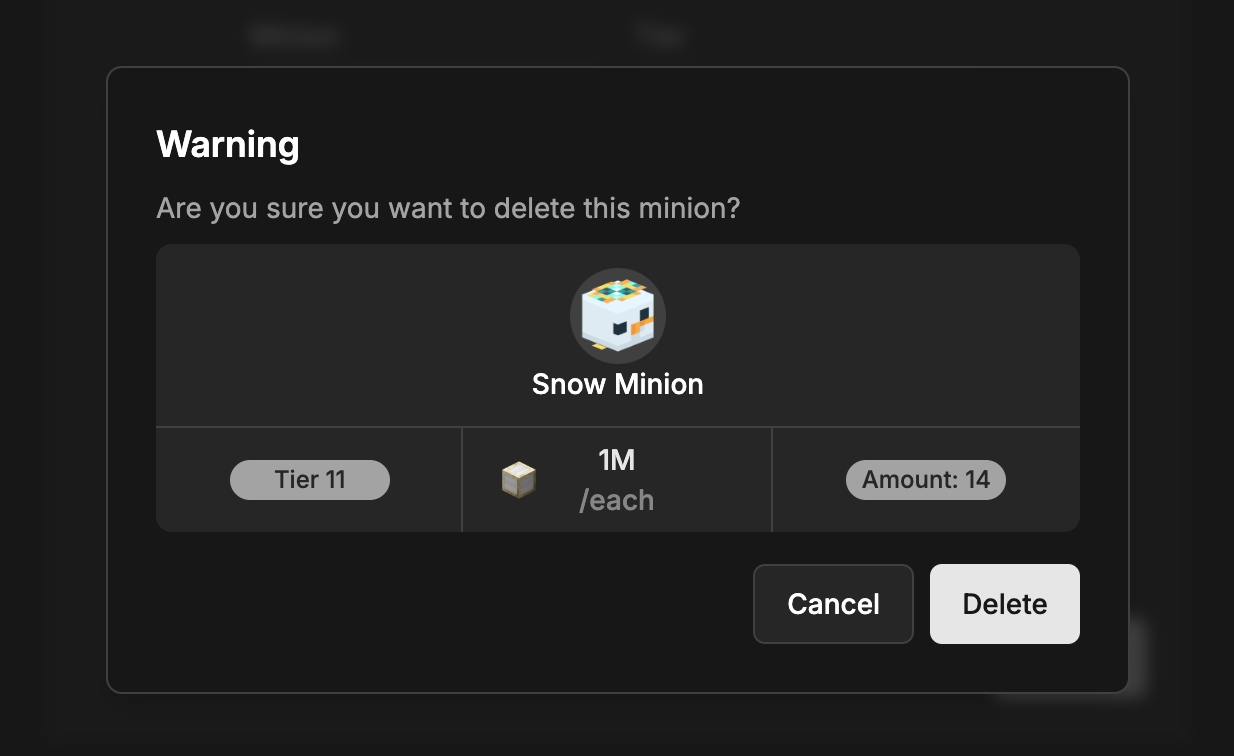
The website has received a design overhaul. The design is now more consistent, looks better, and matches MinionAH's design language:
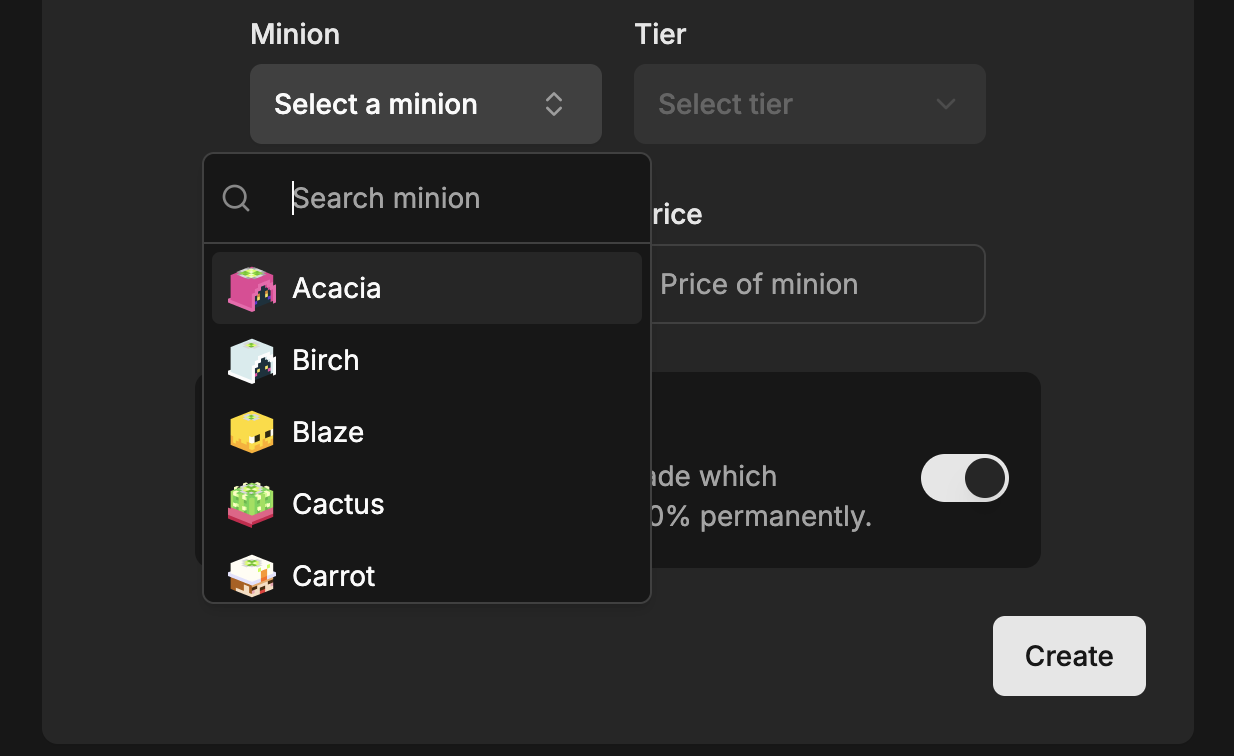
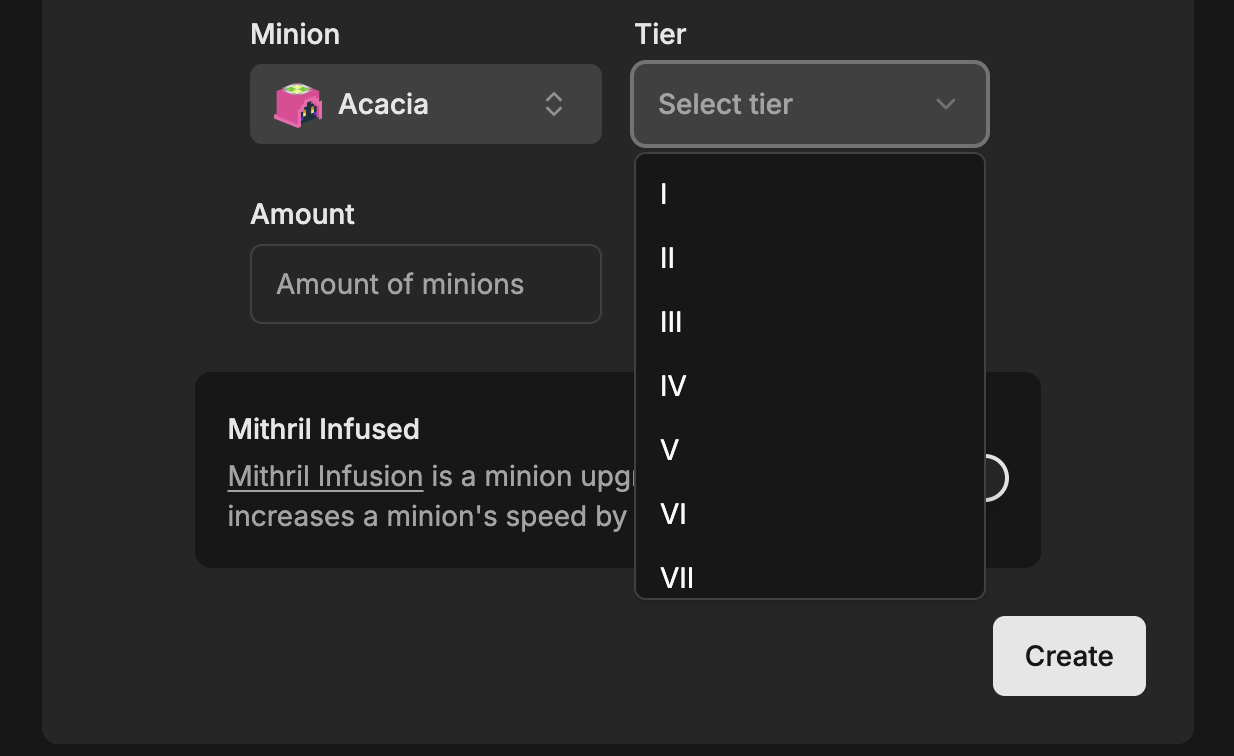
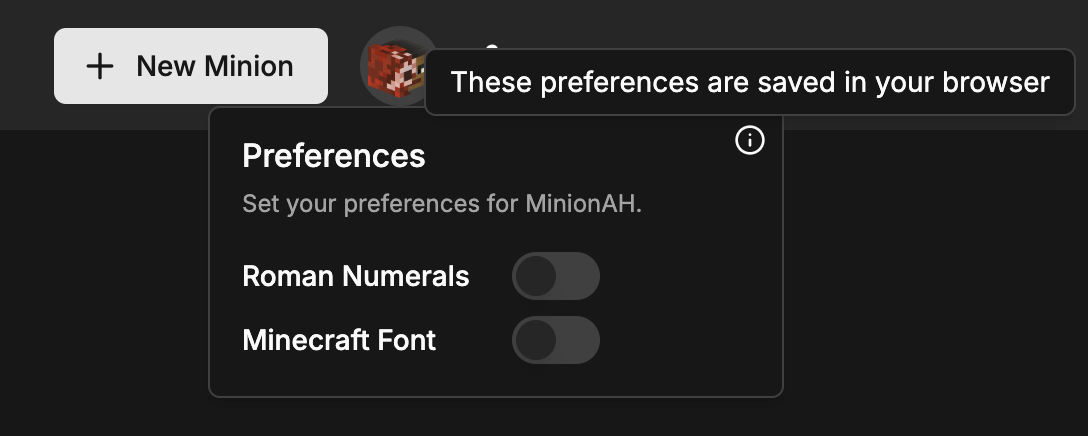
Preferences
Preferences is a new feature that allows you to customize your experience on MinionAH to your liking. You can change the font and the numerical system.
This feature will be expanded upon in the future.
Embeds
The embeds have been updated to use a new image generation website built specifically for this feature. MinionAH OG is a website that generates images for embeds on the fly. Now when you share your profile or minion on, for example, Discord, the image will be shown much faster.
Messages
The chat system got a logic overhaul and received some nice animations. Now, the page won't reload when you send a message and the messages will indicate if they are being sent. This ensures a smoother experience when chatting with others.
Status
When you send a message it will show a status icon to show if it was sent successfully or not.
Animation
The messages now have a nice animation when they are sent.
They also show the date they were sent on when you hover over them.
Icons
The icons have been updated to be more consistent and to look better. We are now using Lucide icons instead of Heroicons.
New buttons
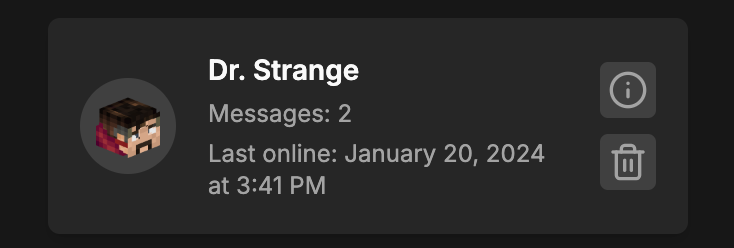
A few new buttons have been added to make the website more user-friendly. For example, when you click on a user in a card, it will now take you to their profile:
Minion Popup
The minion popup now has an info button that takes you to the minion's wiki page.
It also has a search button, the search button automatically searches for the same type of minion
for you:
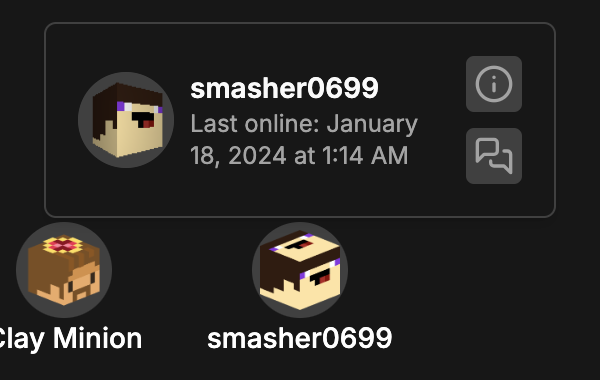
User Popup
The user popup now also has an info button that takes you to the user's SkyCrypt page. It also has a chat button that takes you to the chat with that user.
QOL
- When you sign up, you will not be able to leave the password creation page until you set a password. This is to prevent users from accidentally creating an account without a password.
- Your last login date is now correctly updated every 30 minutes when you are online.
- When you send someone a message, their read status will be set to unread.
- You can send 2 messages at the same time, this is to prevent spam to the server.
Security
We found out that there was a security vulnerability that allowed other users to delete a chat or minion of another user. This was fixed as soon as we found out about it, oops 😳.
Notes
- The full list of changes can be found in the CHANGELOG.md file (from 1.2.3 to 1.3.0).