MinionAH v2
The v2 update is the biggest yet! It has a ton of new features, overall improvements, and fixes a lot of bugs.
It has been a while since the last update announcement, which was the Squashing Bugs Update. However, this doesn't mean that we haven't been working on MinionAH. We have added a lot of new stuff and improved so many things, we just never told you about it. But now, we are here to tell you all about the v2 update for MinionAH!
Table of Contents
Smaller Changes
Newsroom
Let's start with some basic stuff. The newsroom got a design overhaul, now it matches the theme and style of MinionAH. We also made some performance improvements, mainly with images and videos, they load a lot faster now. We also tweaked some animations.
Stats
At the time of the last update, we didn't even have 50 users. Now, we are almost at 200 users and auctions!
I just wanna say thank you to everyone who has been MinionAH and allowing me to make the trading of minions easier for the community, it means a lot to me!
Chats
Real-time Chat
The chat system is now real-time! When you and the other person are both online, the messages will be sent and received instantly. This is a huge improvement over the old system where you had to refresh the page to see new messages.
Discussing the time, price, or any other details of the trade is now a lot easier and faster when you're both online.
Message Styling
The messaging engine has been rewritten from the ground up, it now supports some basic styling of
messages. You can now make your messages bold, italic, underlined, and strikethrough.
Just select a part of your message and click on the style you want to apply. You can also use the
keyboard shortcuts Ctrl+B, Ctrl+I, Ctrl+U, and Ctrl+Shift+S (Cmd on Mac) to apply the
styles.
Images
You can now also send images, just click the image icon and paste the URL of the image you want to send.
Overview
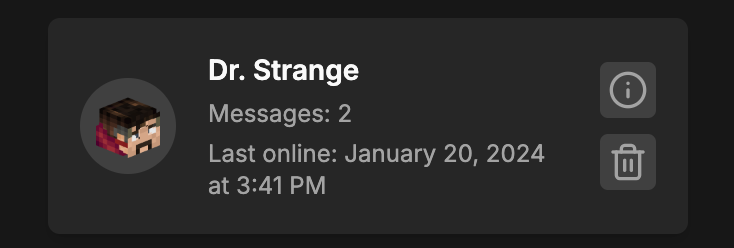
The chat overview page has gotten a big redesign, the cards are now bigger and show more information. The buttons have also been labeled so you know what they do.

Notifications
We have been working on a notification system for a while now, and it's finally here! You can now receive notifications for various events on MinionAH, mainly when someone sends you a message.
Device Notifications
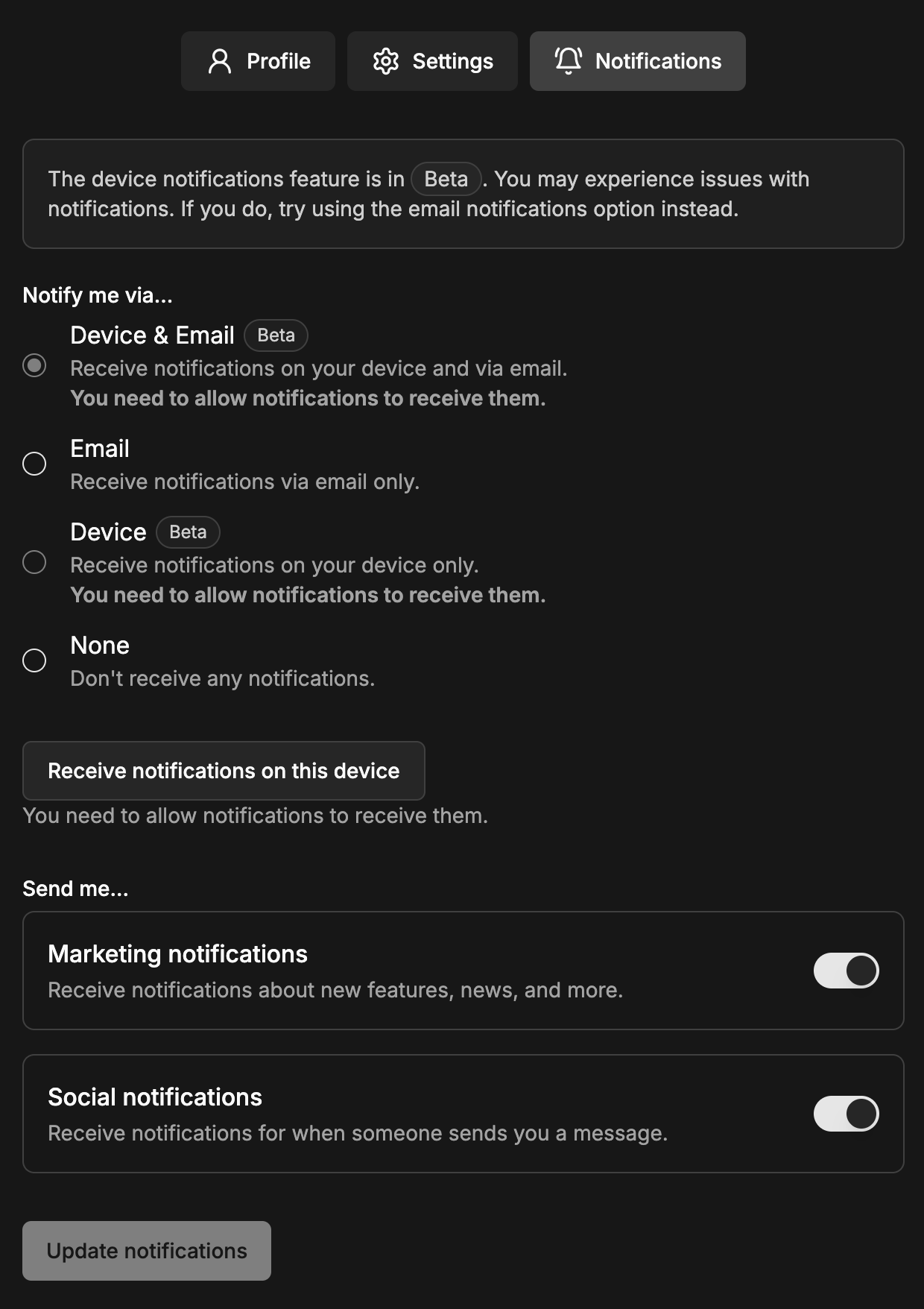
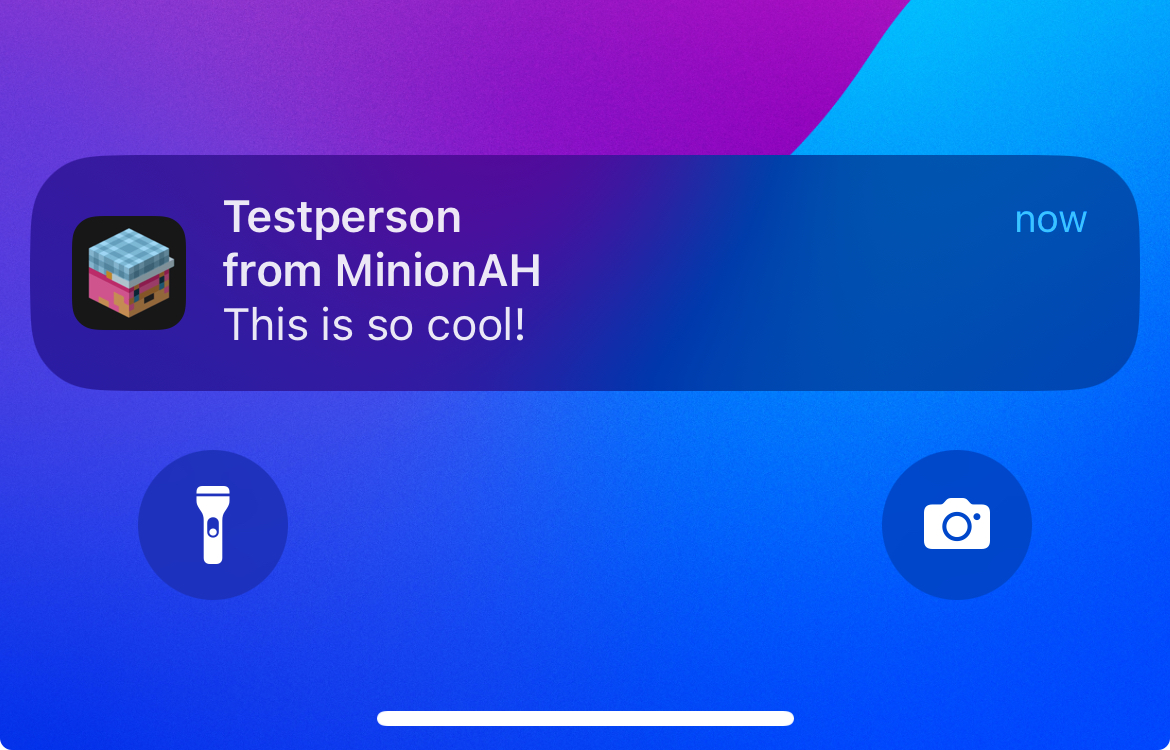
You can choose to receive notifications on your device when someone sends you a message. Your browser or phone will send you these notifications, so make sure you allow them when prompted.
On mobile, you can also add MinionAH to your home screen to receive notifications, just like a native app. You will have to go through some extra steps to enable notifications on Apple devices, but it's worth it!
Email Notifications
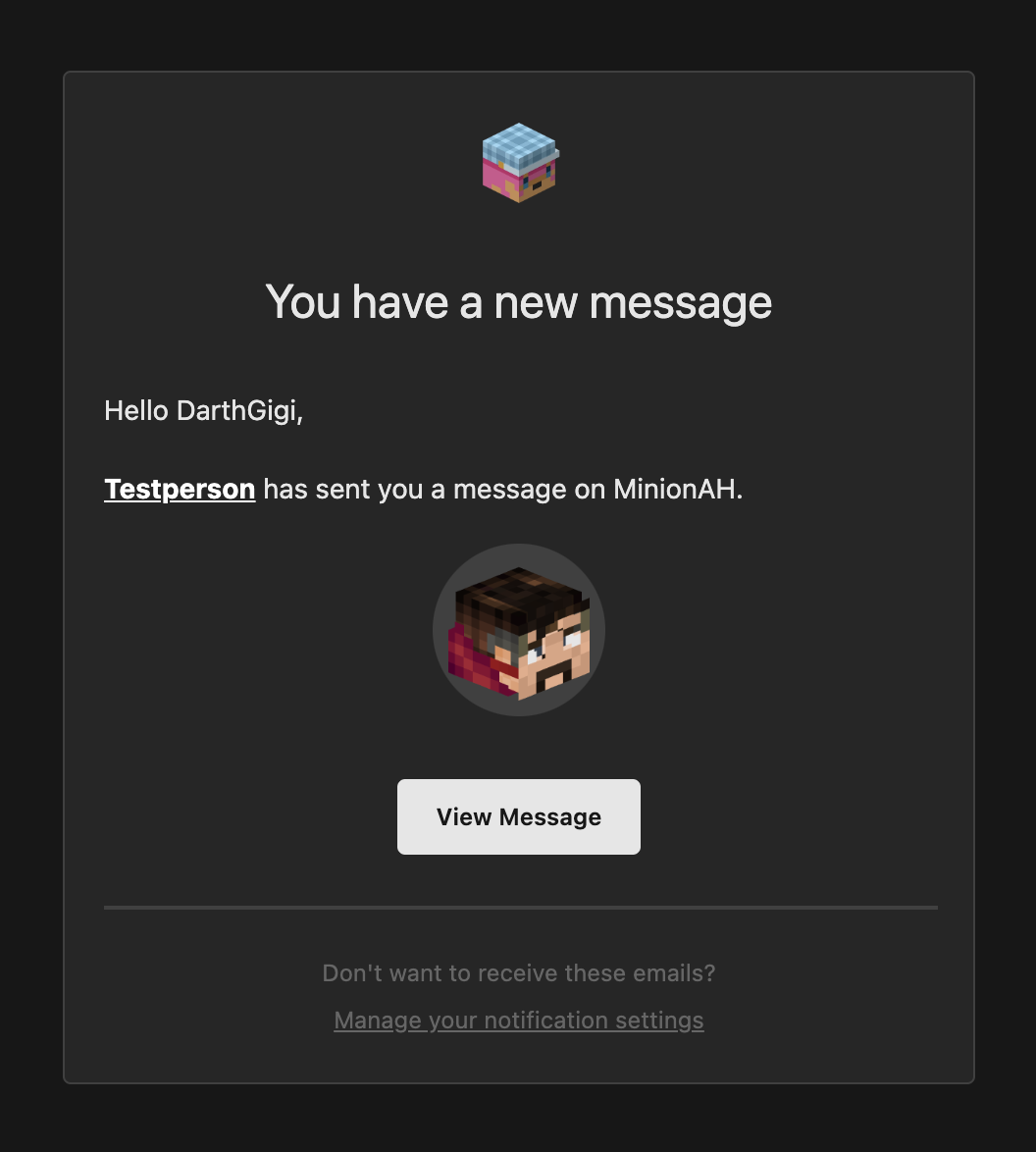
You can also choose to receive notifications via email. You will receive an email when someone sends you a message, even if you're not online.
To enable email notifications, go to your profile settings and add your email address, then go to your notification settings and enable email notifications.
Profiles
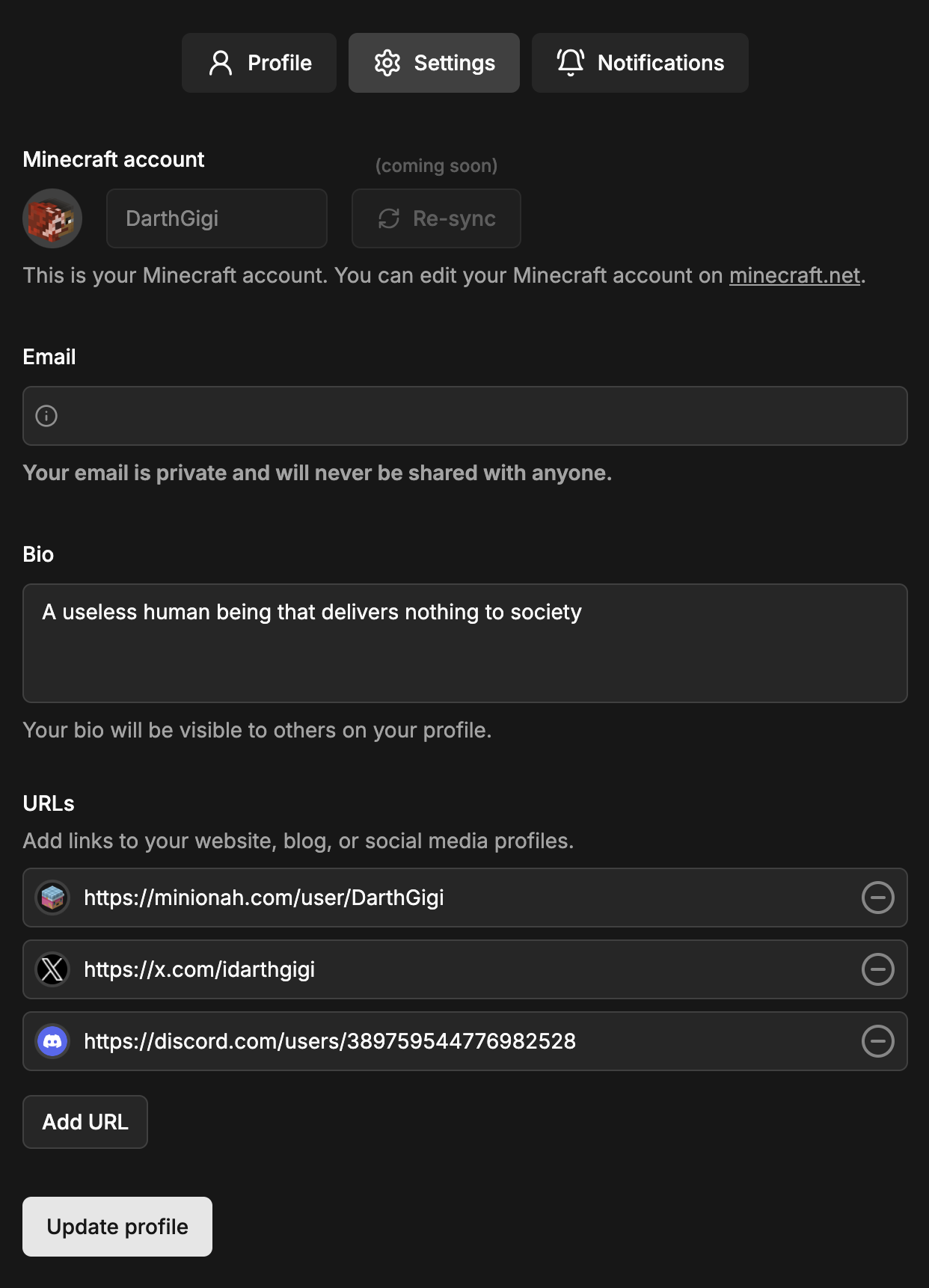
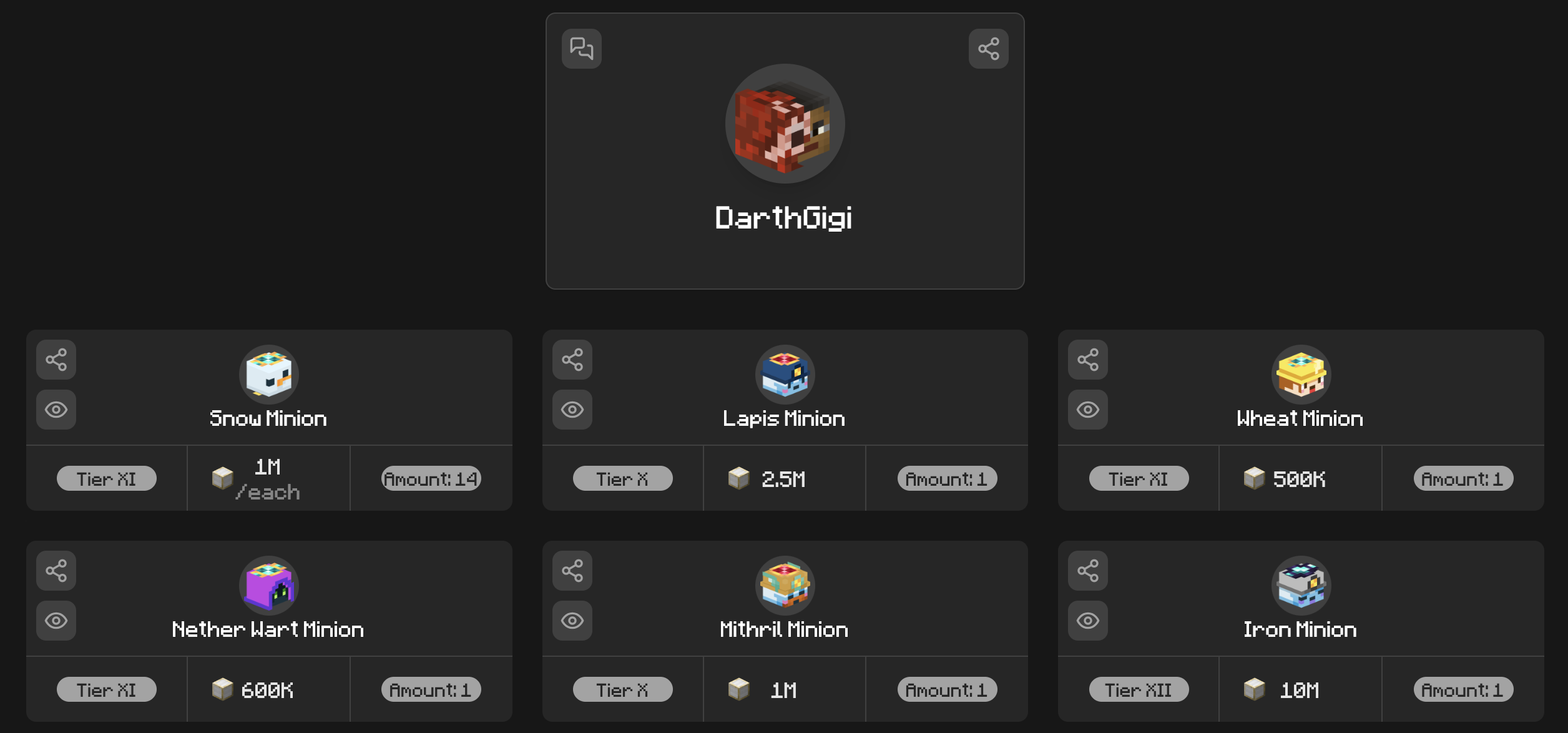
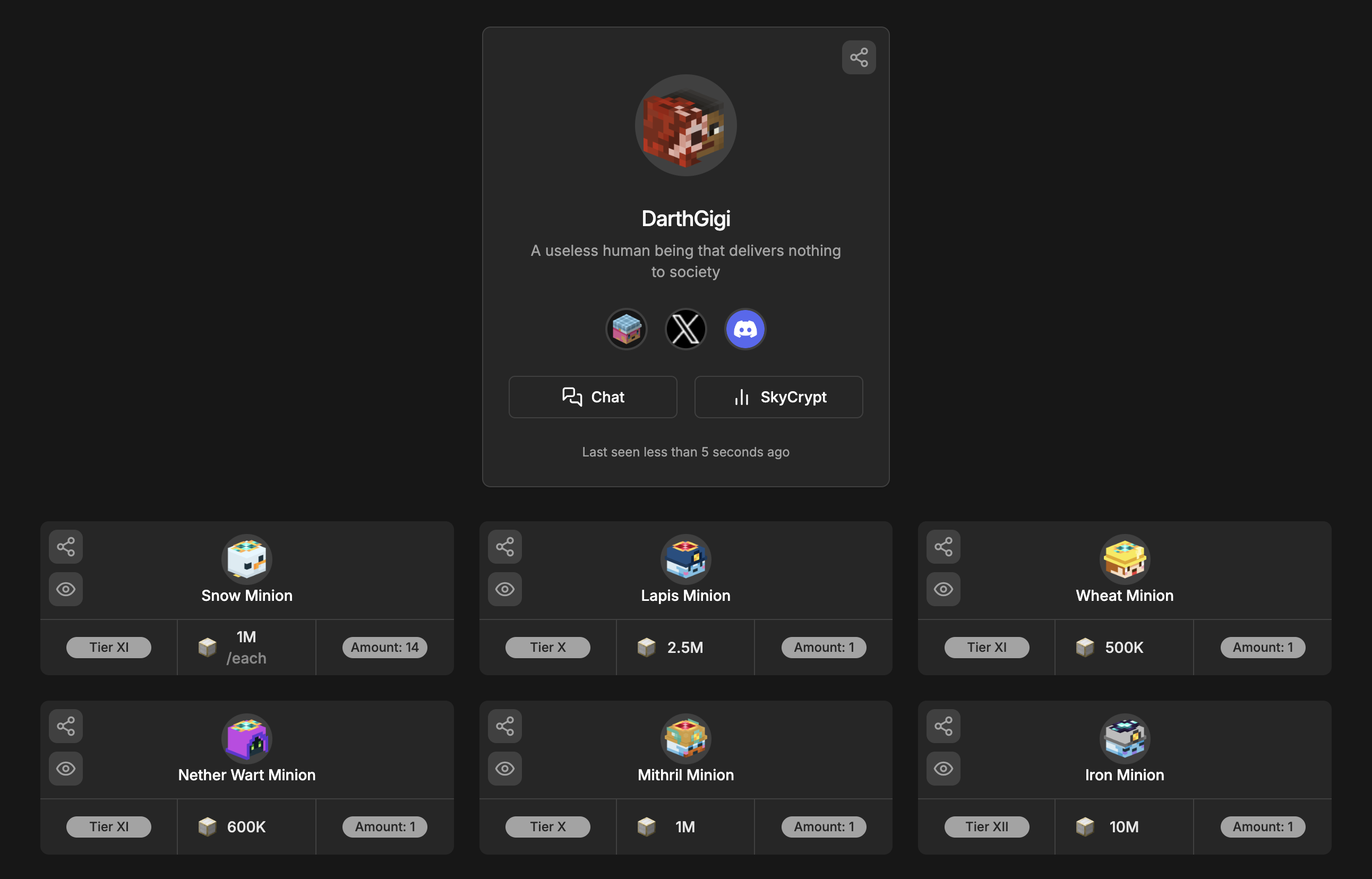
User profiles got a big redesign, you can customize your profile with a bio and URLs to your social media accounts.
To get started, go to your profile settings and fill in the fields.
Then, whenever someone visits your profile, they will see the redesigned profiles with your bio and social media links.
QOL Improvements
Alerts
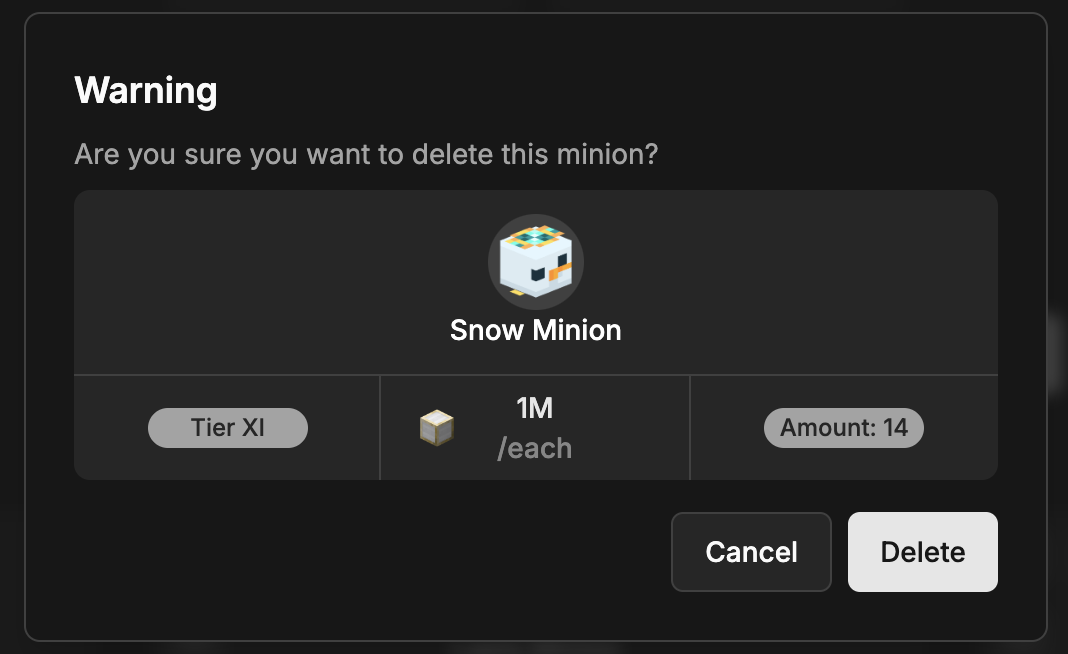
Remember when you got that giant popup in your face when you added or deleted an auction and for other stuff as well? Yeah, that's gone now.
We have replaced it with a small toast notification that appears at the bottom of the screen. It's less intrusive and doesn't block the whole screen.

Limits
The maximum amount of auctions you can have got doubled, from 9 to 18, and the number of minions you can have in a single auction got octupled, from 64 to 512.
Breadcrumbs
Breadcrumbs show you where you are on MinionAH and allow you to quickly navigate back to a previous page.

Infinite Scroll
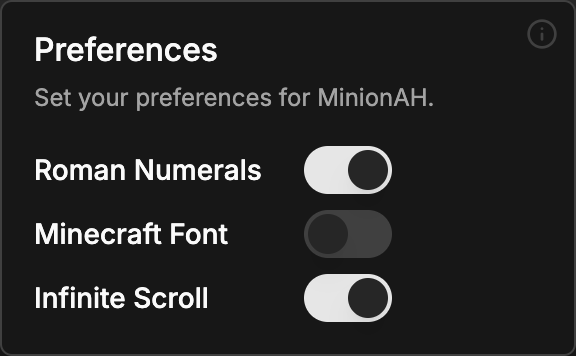
We have also added a new preference, infinite scroll. When enabled, MinionAH will load more auctions as you scroll down the page, so you no longer have to click the "Load More" button.
Search
The search system has been redesigned, you no longer need to type your search query in the search bar, instead, you can choose a minion or a user from the dropdown to search.
A friendly bug
This little guy just popped up one day, and we decided to keep him. When you click on him, you can tell him about the other bugs you find on MinionAH. He will let us know and we will fix them as soon as possible.
Design Improvements
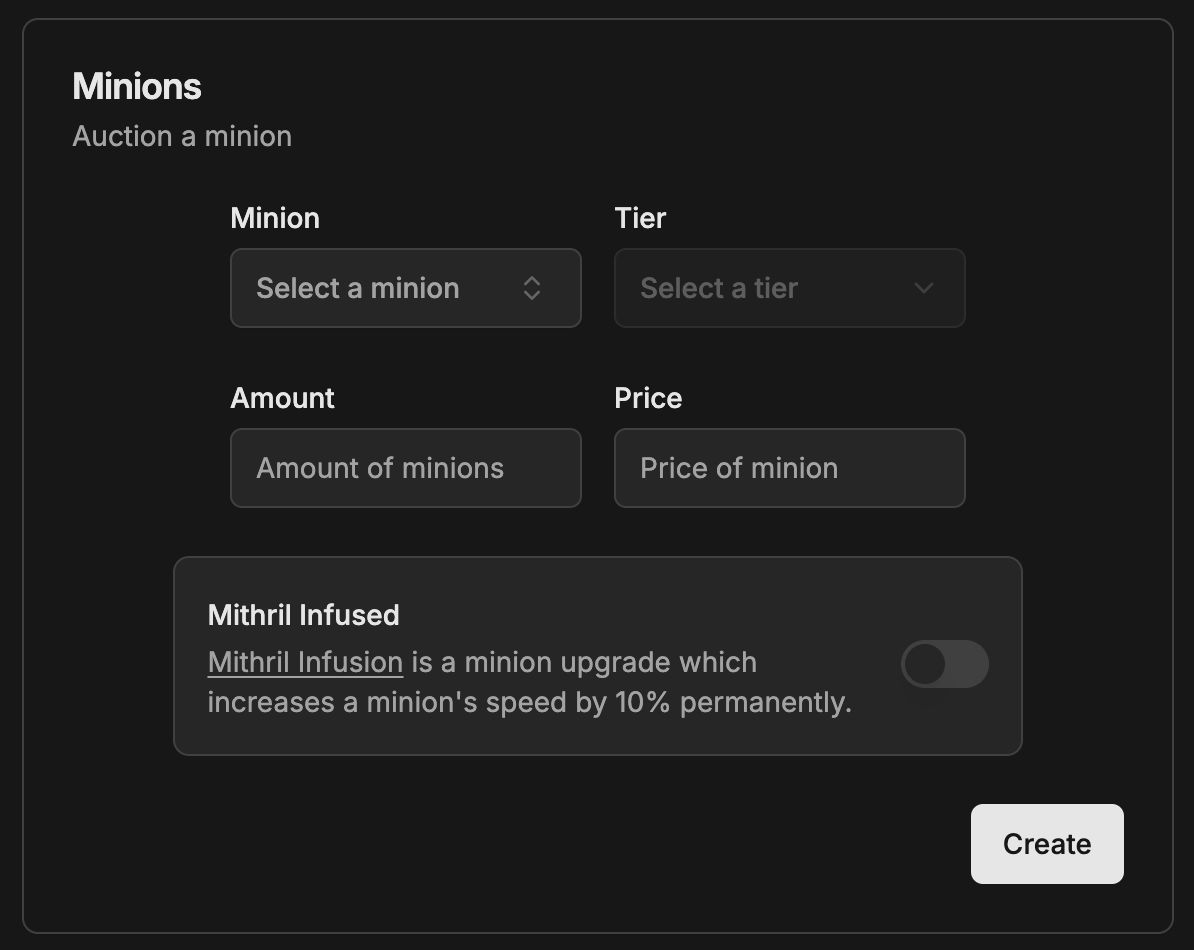
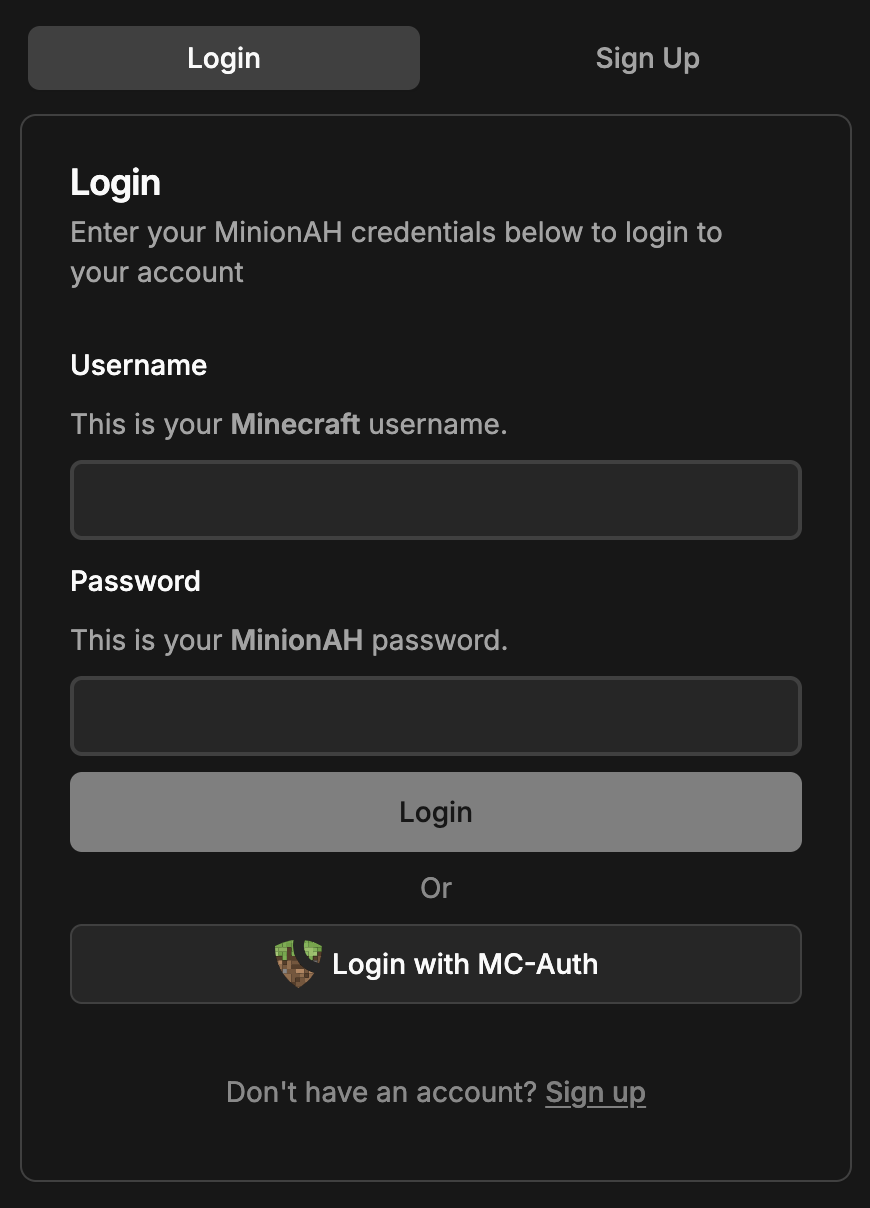
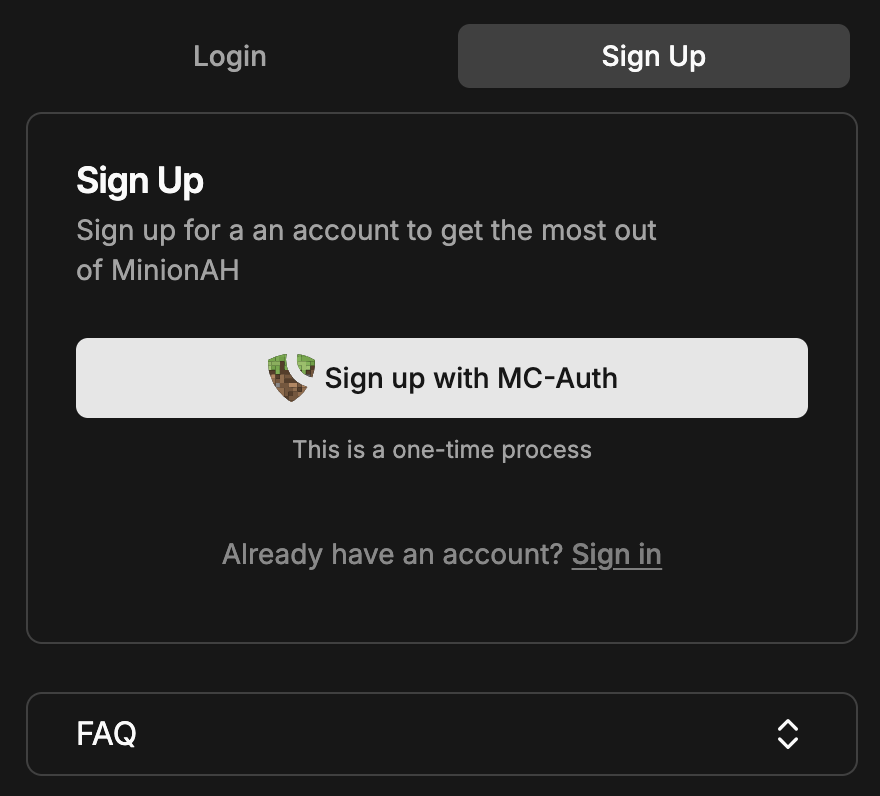
We have made a lot of design improvements, too many to list here. But enough to say that MinionAH looks a lot better now.
Under the Hood
There are a lot of changes under the hood as well, mainly performance improvements and bug fixes.
Database
We have migrated to a new database, from MongoDB to PostgreSQL. This has improved the loading times by a lot
Last Words
This update has been in the works for a long time, and we are really happy with how it turned out. We hope you enjoy the new features and improvements as much as we do. If you have any feedback or suggestions, feel free to let us know on the Discord server.
We are working on some big, exciting stuff that we can't share yet, but it's gonna be awesome!
In the meantime, share MinionAH with your friends, ask communities to consider giving us a shoutout, and keep trading minions! Remember that the more people that use MinionAH, the better it gets!
Thank you for using MinionAH, and we hope to see you soon in the next announcement!
Notes
- The full list of changes can be found on the GitHub releases page.